
 Business License

Spike Software: An Overview of Core Functions for RF Spectrum Analysis
Spike Software: An Overview of Core Functions for RF Spectrum Analysis
As SignalHound’s flagship spectrum analysis software, Spike is designed to unlock the full potential of SignalHound RF test equipment, offering a comprehensive set of tools for real-time spectrum monitoring, signal analysis, and troubleshooting. Fully compatible with both Windows and Linux systems (including mainstream distributions like Ubuntu and RHEL), Spike combines intuitive operation with powerful performance, making it an ideal choice for engineers, researchers, and technicians in fields such as wireless communications, EMC testing, and IoT development. Below is a detailed overview of its core basic functions.
1. Real-Time Spectrum Scanning & Visualization
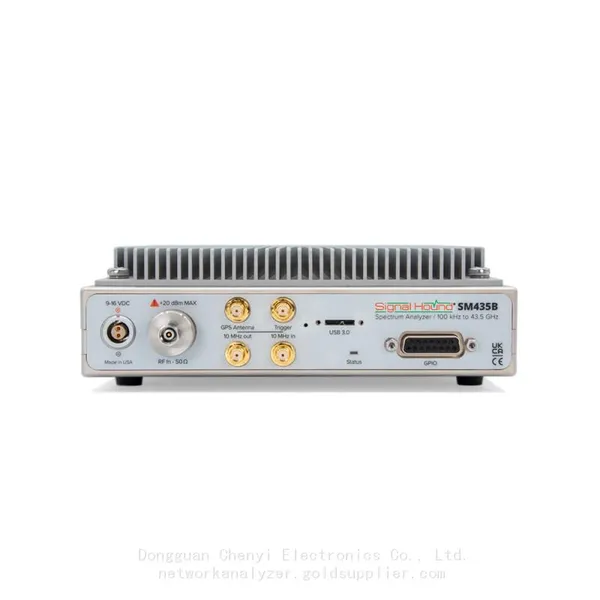
Real-time spectrum scanning is the foundational function of Spike, enabling users to capture and display RF signals with high speed and precision. The software supports a wide frequency range (up to 43.5GHz when paired with SignalHound’s SM435 millimeter-wave analyzer) and offers flexible resolution bandwidth (RBW) settings, allowing users to adapt to different signal scenarios—from narrowband low-power signals to wideband modulated signals.
Key visualization features include:
• Spectrum Waterfall Display: Presents signal changes over time in a color-coded waterfall plot, making it easy to identify transient signals, intermittent interference, and frequency-hopping signals that are difficult to detect with traditional spectrum analyzers.
• Real-Time Persistence Mode: Retains historical signal traces with adjustable persistence time, helping users visualize signal density and capture short-duration pulses or sporadic interference.
• Multiple Trace Modes: Supports Max Hold, Min Hold, Average, and Clear/Write modes, allowing users to compare signal variations, average out noise, or capture peak signal levels as needed.
2. Digital Demodulation Analysis
Spike integrates a full suite of digital demodulation tools, enabling users to decode and analyze popular wireless communication signals directly within the software. This function is particularly valuable for verifying signal quality, diagnosing modulation errors, and troubleshooting communication link issues.
Supported modulation formats include common standards such as:
• 802.11a/b/g/n/ac (WLAN) signals
• Bluetooth and Bluetooth Low Energy (BLE) signals
• FSK, ASK, PSK, QAM (various orders)
• Zigbee (802.15.4) signals
Demodulation results include key metrics such as Error Vector Magnitude (EVM), symbol rate, carrier frequency offset, and bit error rate (BER), providing quantitative insights into signal integrity.
3. EMC Pre-Compliance Testing
For users engaged in electromagnetic compatibility (EMC) testing, Spike offers built-in EMC pre-compliance tools that help streamline the testing process and identify potential compliance issues early in the product development cycle. The software supports standard EMC test procedures and can generate test reports that align with industry standards (e.g., CISPR 22, CISPR 24).
Core EMC pre-compliance features include:
• Quasi-peak and average detection modes, which are required for EMC emissions testing.
• Limit line editing and overlay, allowing users to compare measured signal levels against regulatory limits in real time.
• Automatic test report generation, which summarizes test results, including frequency, amplitude, and pass/fail status, reducing manual documentation work.
4. Interference Search & Localization
Identifying and locating RF interference is a common challenge in wireless system deployment and maintenance, and Spike provides specialized tools to simplify this process. The software’s interference search function can automatically detect abnormal signals, mark their frequency and amplitude, and help users track down the source of interference efficiently.
Notable features include:
• Interference Alert: Users can set threshold levels; the software will trigger an alert when signals exceed the threshold, ensuring no critical interference is missed.
• Spectrogram Analysis: Combines time, frequency, and amplitude information to visualize interference patterns, making it easier to distinguish between intentional signals and interference.
• Compatibility with SignalHound’s portable analyzers (e.g., BB60 series), enabling field-based interference localization with USB-powered convenience.
5. Key Signal Parameter Measurement
Spike offers a range of built-in measurement tools to quantify critical signal parameters, eliminating the need for manual calculations and ensuring measurement accuracy. These tools cover both basic and advanced parameters, catering to different testing requirements.
Common measurement parameters include:
• Peak power, average power, and occupied bandwidth (OBW).
• Phase noise, which is crucial for evaluating oscillator and transmitter performance.
• Harmonic and spurious emissions, helping users assess signal purity.
• Channel power and adjacent channel leakage ratio (ACLR), key metrics for wireless communication systems.
6. User-Friendly Operation & Customization
Despite its powerful functions, Spike maintains an intuitive user interface that is easy for both beginners and experienced users to master. The software supports customizable workspaces, allowing users to arrange panels (e.g., spectrum display, demodulation results, measurement data) according to their workflow. Additionally, users can save test configurations (e.g., frequency range, RBW, measurement settings) as presets, enabling quick recall for repeated tests.
For Linux users, Spike retains the same user interface and function set as the Windows version, ensuring a consistent operation experience across platforms. The software also supports GPU acceleration via OpenGL, enhancing the smoothness of real-time visualization even when processing large amounts of data.
Conclusion
Spike software stands out for its combination of real-time performance, comprehensive analysis tools, and cross-platform compatibility. Whether for laboratory testing, field troubleshooting, EMC pre-compliance, or wireless protocol analysis, Spike provides a one-stop solution that empowers users to efficiently complete RF spectrum analysis tasks. Paired with SignalHound’s cost-effective and high-performance hardware, it becomes a powerful tool for unlocking insights into the RF environment.
Recently Posted
-
Software-Defined Instruments: How USB Spectrum Analyzers Are Changing the RF Testing Industry
August 17, 20261. The Benchtop Instrument That Would Not Fit in a Carry-OnAn RF field engineer arrived at a remote cell site in a mountainous reg Read More
 -
Spectrum Monitoring Solutions for Broadcast Radio and Television Transmission Stations
August 17, 20261. When a 50 kW FM Transmitter Goes SilentA regional FM broadcaster serving roughly 2 million listeners lost its main transmitter Read More
 -
Understanding Spectrum Analyzer Key Specifications: DANL, Phase Noise, TOI, and RBW
August 14, 20261. The Specification That Cost Two Weeks of DebuggingAn RF design team spent two weeks trying to measure the third harmonic of a 2 Read More
 -
Real-Time Spectrum Analyzer vs Traditional Swept Spectrum Analyzer: Which One Fits Modern RF Testing
August 13, 20261. The Purchase Decision That Engineers Keep Getting WrongA test equipment manager at a contract manufacturer ordered three tradit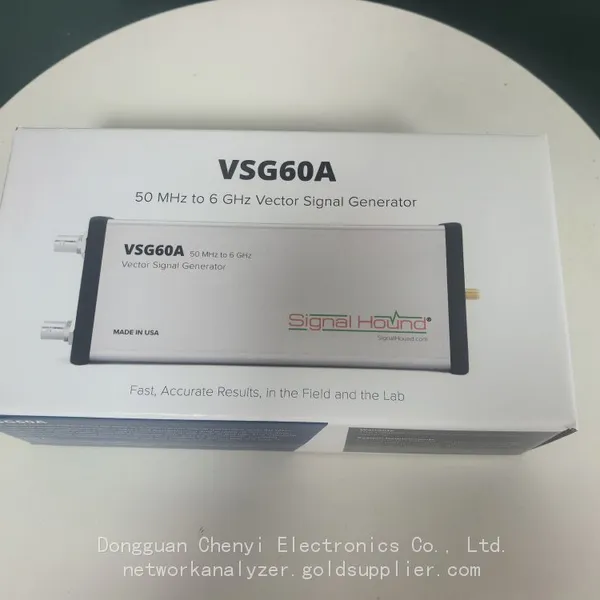 Read More

Contact Us
Recommended Products
-
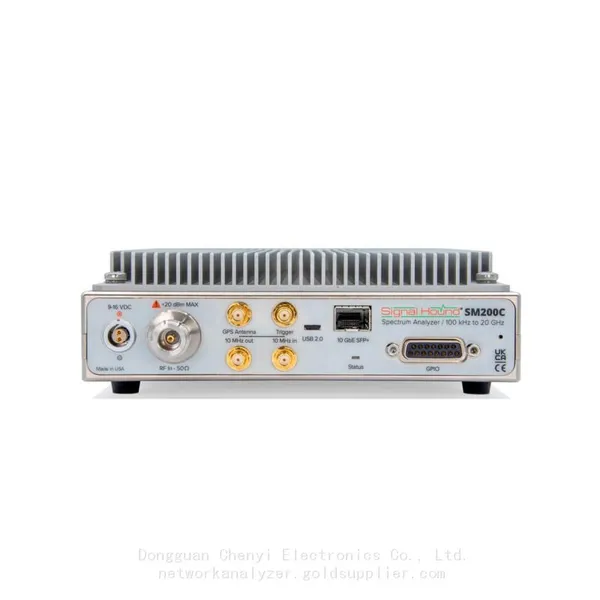
 Signal Hound SM200C 100 KHz to 20 GHz Real-time Spectrum Analyzer With 10GbE Monitoring ReceiversNegotiableMOQ: 1 Unit
 -
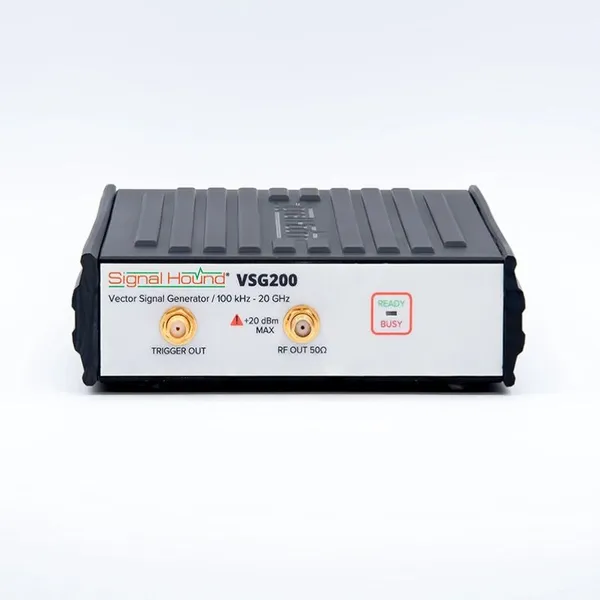
Signal Hound VSG200 Vector Signal Generator 100 KHz to 20 GHzNegotiableMOQ: 1 Unit
-
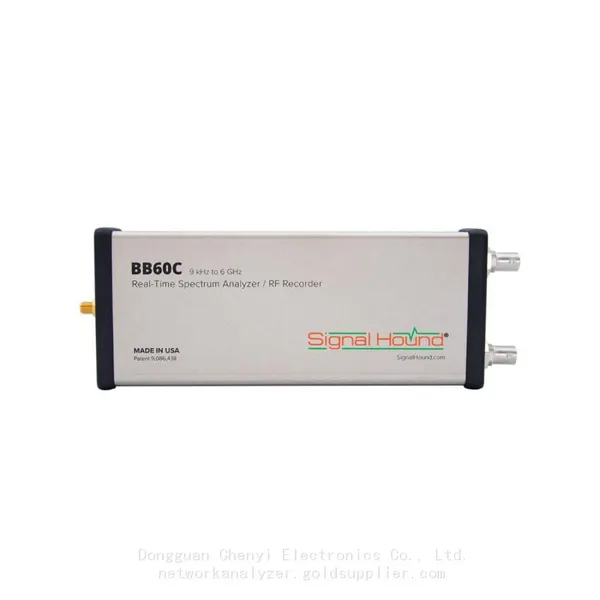
Signal Hound BB60C 9 KHz to 6 GHz Real-time Spectrum AnalyzerNegotiableMOQ: 1 Unit
-
Signal Hound BB60D 9 KHz to 6 GHz Real-time Spectrum AnalyzerNegotiableMOQ: 1 Unit
-
Signal Hound SP145 100 KHz to 14.5 GHz Real-time Spectrum Analyzer Monitoring ReceiversNegotiableMOQ: 1 Unit
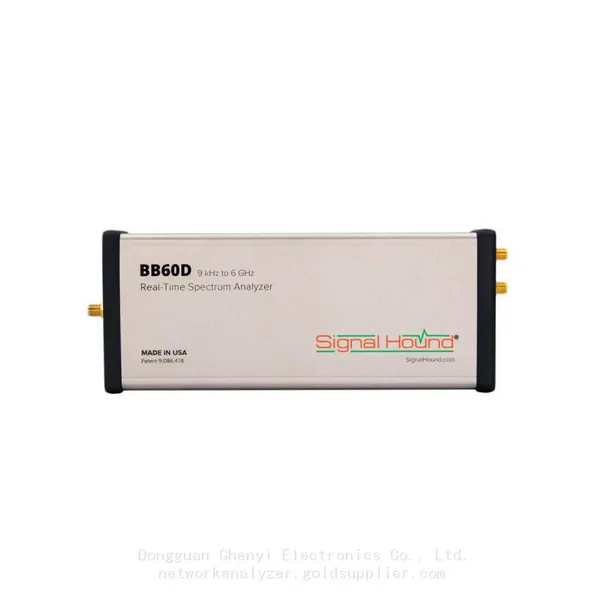
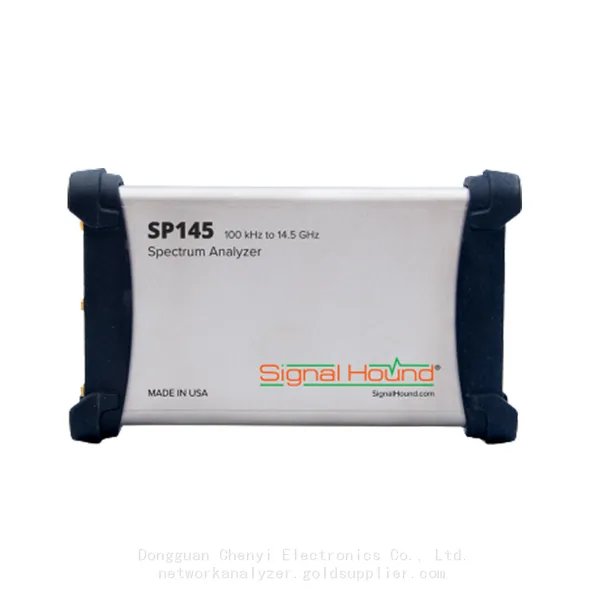
-
Signal Hound VSG60A 50 MHz to 6 GHz GHz Vector Signal GeneratorNegotiableMOQ: 1 Unit
-
Signal Hound VSG25A 100 MHz to 2.5 GHz Vector Signal GeneratorNegotiableMOQ: 1 Unit
-
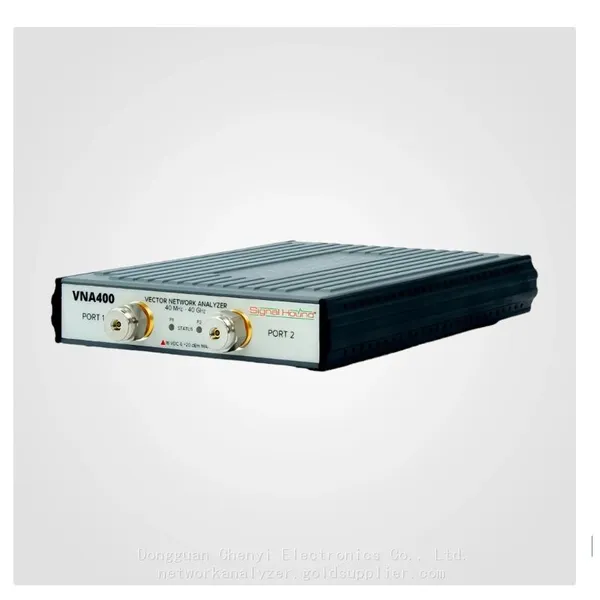
Signal Hound VNA400 40 MHz to 40 GHz 2-port Vector Network AnalyzerNegotiableMOQ: 1 Unit
-
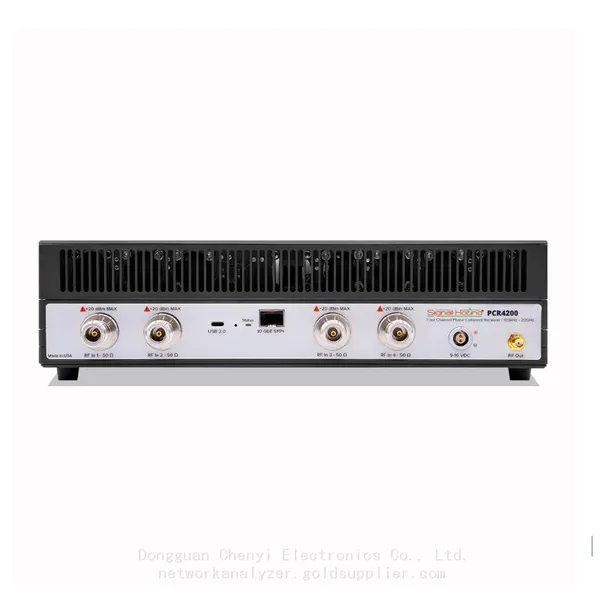
Signal Hound PCR4200 100 KHz to 20 GHz Four-Channel Phase Coherent ReceiverNegotiableMOQ: 1 Unit
-
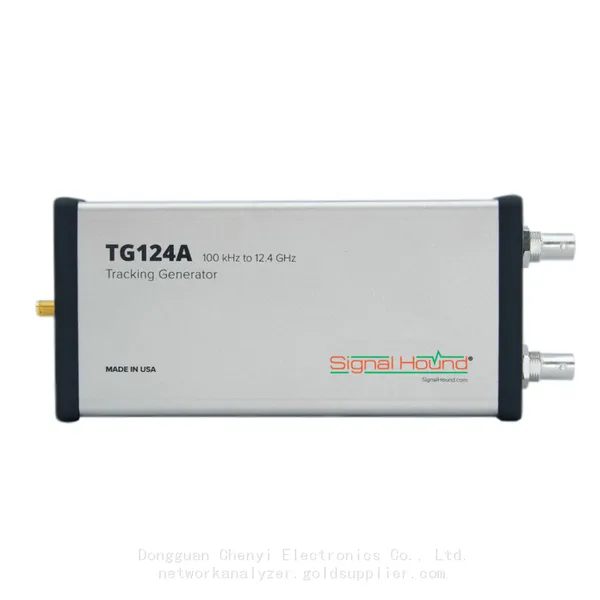
Signal Hound TG124A 100 KHz to 12.4 GHz Tracking GeneratorNegotiableMOQ: 1 Unit
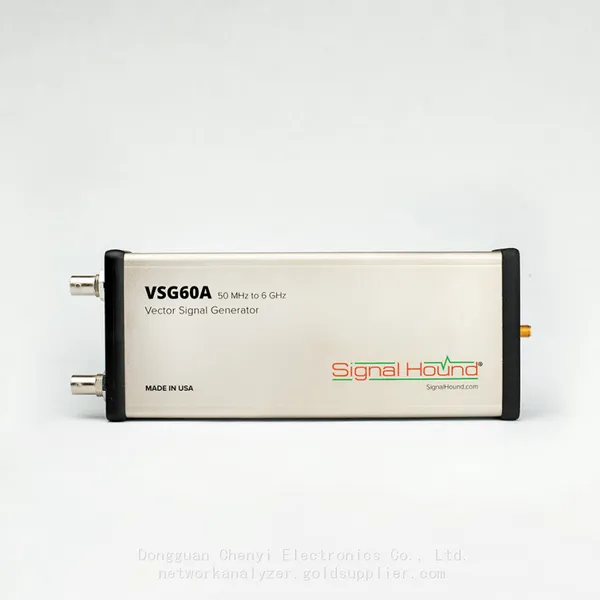
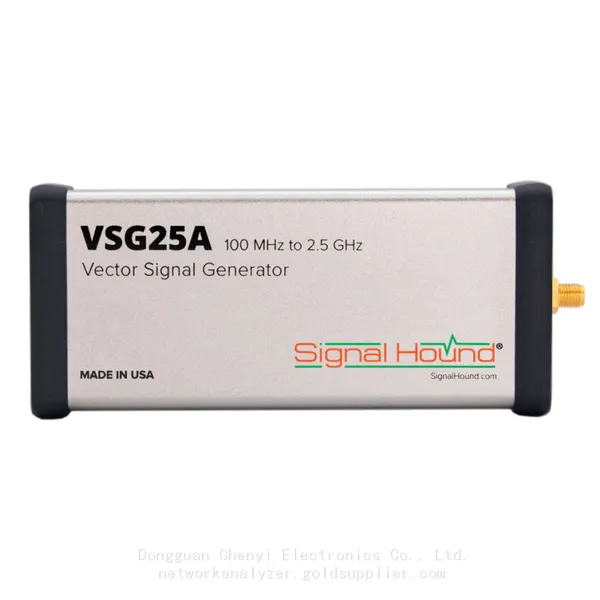
-
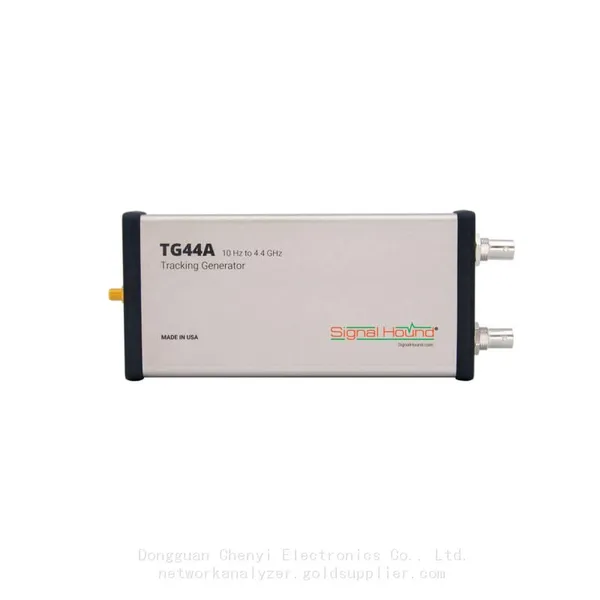
Signal Hound TG44A 10 Hz to 4.4 GHz t Tracking GeneratorNegotiableMOQ: 1 Unit
-
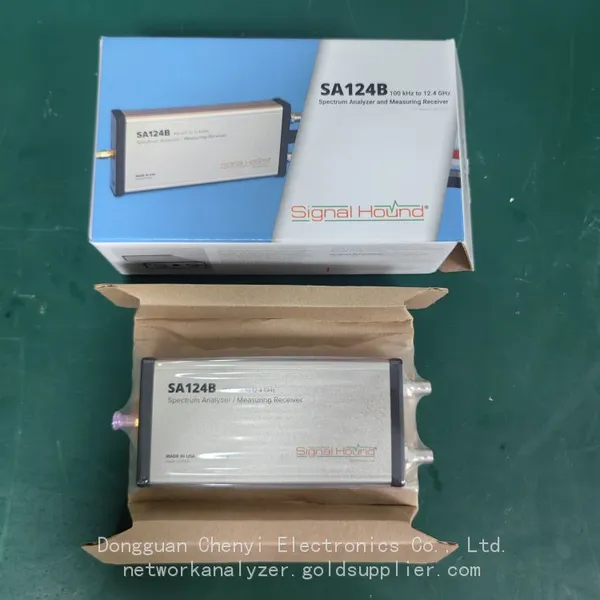
Signal Hound SA124B 100 KHz to 12.4 GHz Spectrum AnalyzerNegotiableMOQ: 1 Unit
-
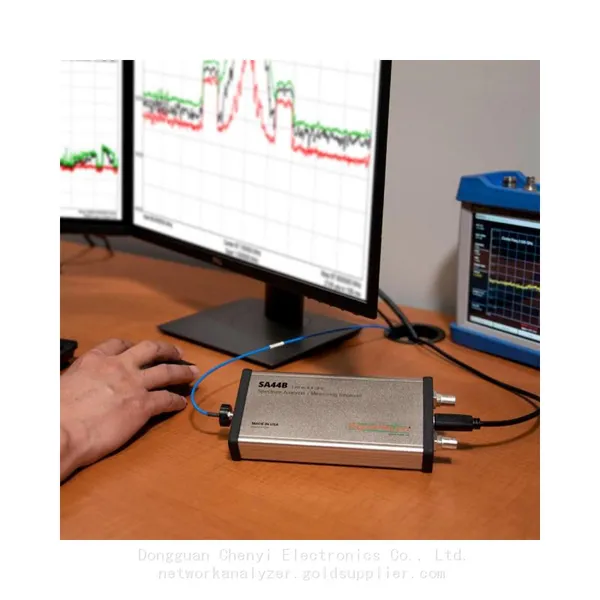
Signal Hound SA44B 1 Hz to 4.4 GHz Spectrum AnalyzerNegotiableMOQ: 1 Unit
-
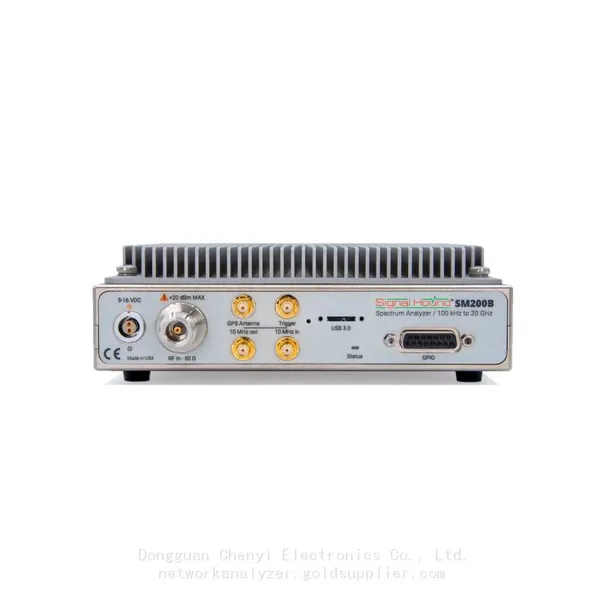
Signal Hound SM200B 100 KHz to 20 GHz Real-time Spectrum Analyzer Monitoring ReceiversNegotiableMOQ: 1 Unit
-
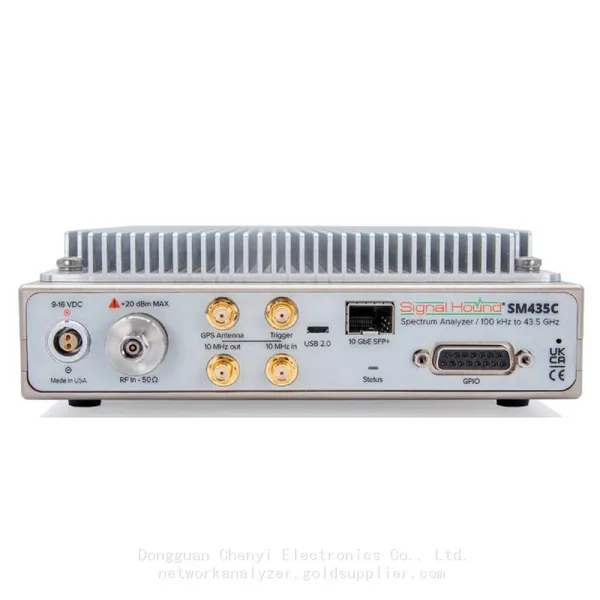
Signal Hound SM435C 100 KHz to 43.5GHz Real-time Spectrum Analyzer With 10GbE Monitoring ReceiversNegotiableMOQ: 1 Unit
-
Signal Hound SM435B 100 KHz to 43.5GHz Real-time Spectrum Analyzer Monitoring ReceiversNegotiableMOQ: 1 Unit
-
Signal Hound PN400 Phase Noise and VCO Test System 100 KHz to 43.5 GHzNegotiableMOQ: 1 Unit
-
Keysight E4980A Precision LCR Meter 20 Hz to 2 MHzNegotiableMOQ: 1 Unit
-
Keysight E4980B and E4980BL Precision LCR Meter 20 Hz to 2 MHzNegotiableMOQ: 1 Unit
-
Keysight U1733C Handheld LCR Meter 100Hz 120Hz 1kHz 10kHz 100kHzNegotiableMOQ: 1 Unit