
 Business License

Signal Hound Product Line Fully Supports Linux Systems
Signal Hound Product Line Fully Supports Linux Systems: A New Option for Open-Source RF Test and Analysis Platforms
In the field of radio frequency (RF) test and analysis, Linux systems have become the preferred platform for industrial deployment, embedded development, and scientific research experiments due to their open-source flexibility, stability and reliability, and low resource consumption. For a long time, many Linux users have looked forward to integrating SignalHound's cost-effective RF test equipment into their workflows. Today, this expectation has been fully realized — SignalHound has not only launched a dedicated software suite adapted for Linux systems but also provided a full-link solution for RF engineers on Linux platforms, ranging from graphical operations to customized development, through comprehensive API support and multi-distribution compatibility.
As a brand with years of experience in the RF test equipment field, SignalHound has always been user-oriented. Previously, although Linux users could connect some SignalHound devices through APIs, graphical operations relied on the Windows environment, bringing many inconveniences to users with full Linux workflows. To break this barrier, the SignalHound team has continued research and development, gradually achieving in-depth adaptation of core software with mainstream Linux distributions, allowing Linux users to enjoy the same high-performance RF test experience as on the Windows platform.
Full-Featured Software Launches on Linux: Covering Everything from Spectrum Analysis to Signal Generation
SignalHound has tailored two core software for the Linux platform, covering the two core needs of spectrum analysis and signal generation, and both have achieved 1:1 function alignment with the Windows versions, eliminating the need for users to re-adapt to the operation logic.
First is the Spike Spectrum Analysis Software, a core tool adapted for BB60, SM200, and other series of real-time RF spectrum analyzers, which now fully supports 64-bit Linux systems. It can run stably on both desktop distributions such as Ubuntu 18.04/20.04/22.04 and enterprise-level distributions such as Red Hat Enterprise Linux 8 (RHEL 8). The Linux version of Spike retains all core analysis functions: real-time spectrum scanning, digital demodulation analysis, EMC pre-compliance testing, interference search, phase noise measurement, 802.11 WLAN modulation analysis, etc., allowing users to easily cope with complex RF signal analysis scenarios in the Linux environment. Its flexibly configurable spectrum waterfall diagram, real-time afterglow mode, and other visualization functions further improve signal recognition efficiency with OpenGL GPU acceleration.
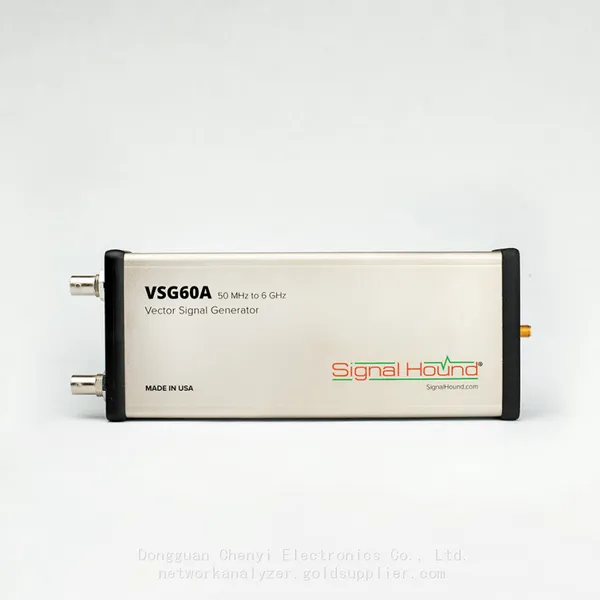
For signal generation needs, SignalHound's VSG 60 software has also completed Linux adaptation. Similarly developed and tested based on Ubuntu 18.04, the Linux version of VSG 60 can drive VSG60A and other signal generator devices, providing one-click waveform generation capabilities and supporting the configuration of various mainstream signal waveforms including Bluetooth Low Energy (Bluetooth LE). This function is particularly friendly to Linux users in the Internet of Things (IoT) development field, enabling them to quickly build test environments for wireless communication protocols such as Bluetooth LE and greatly simplifying the R&D process.
Multi-Product Line Adaptation: Covering Everything from Entry-Level to High-End Equipment
SignalHound's Linux support is not limited to a single product but covers multiple core series from entry-level spectrum analyzers to high-end millimeter-wave equipment, meeting the performance and budget needs of different users:
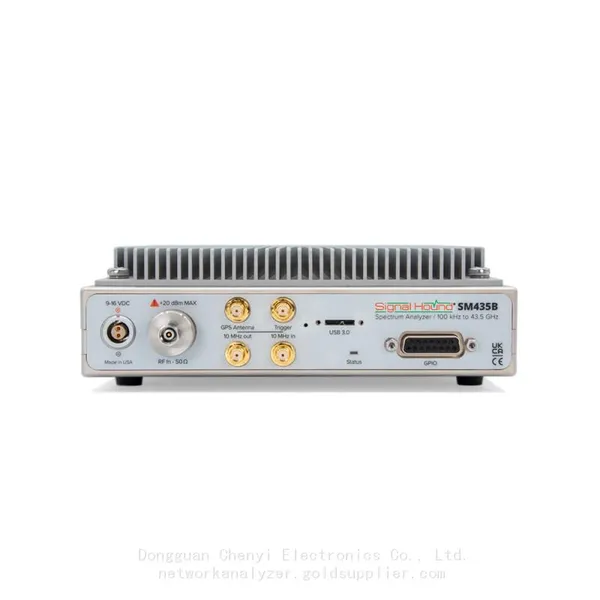
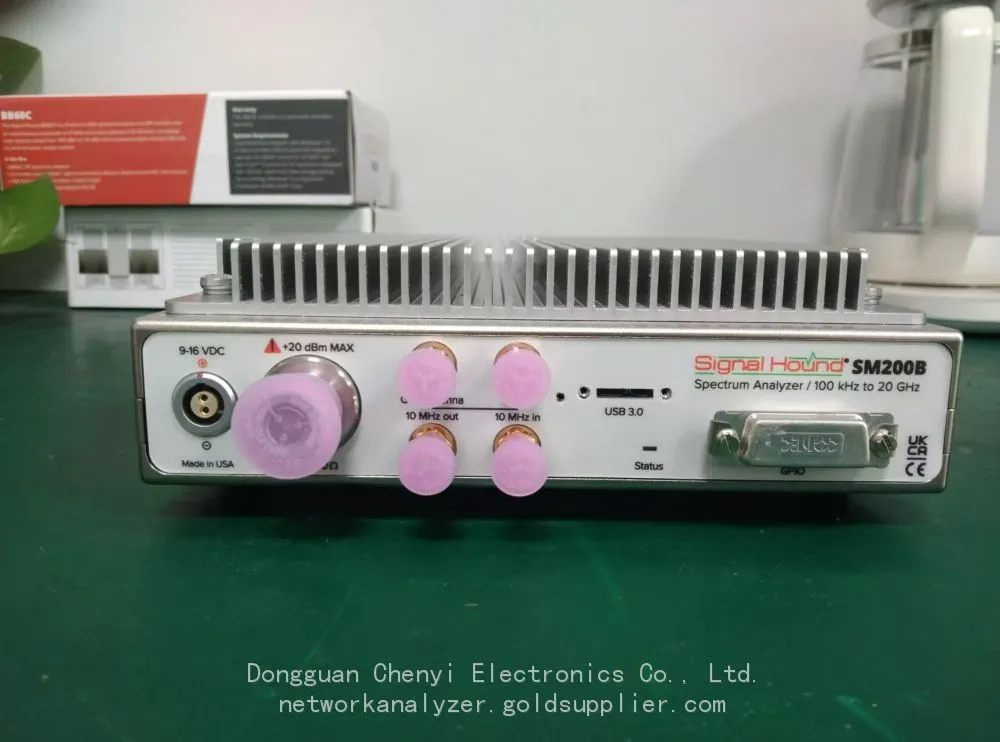
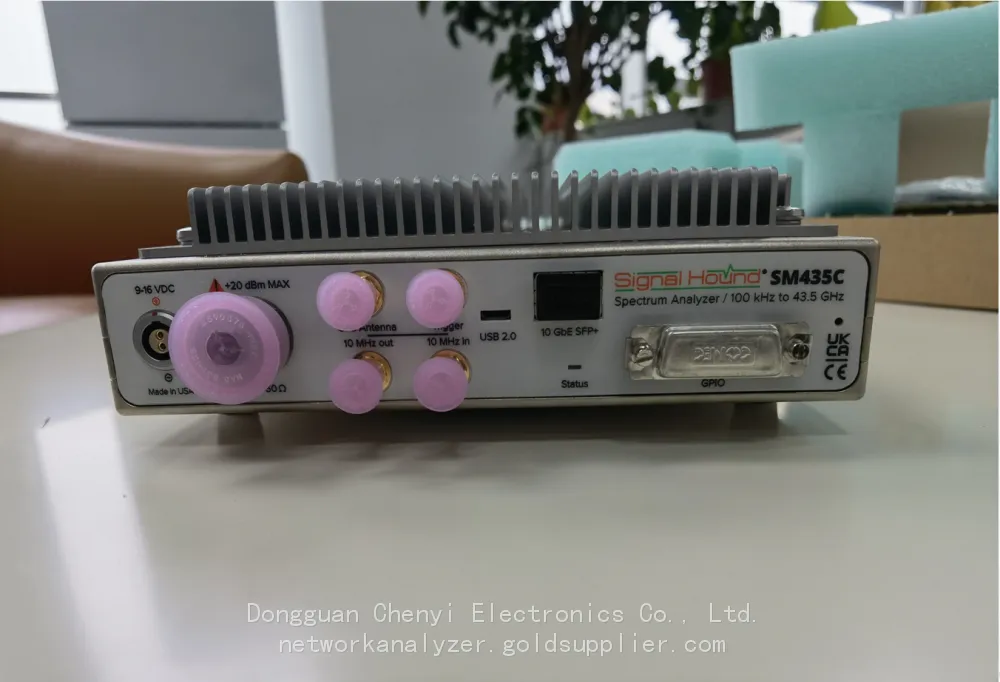
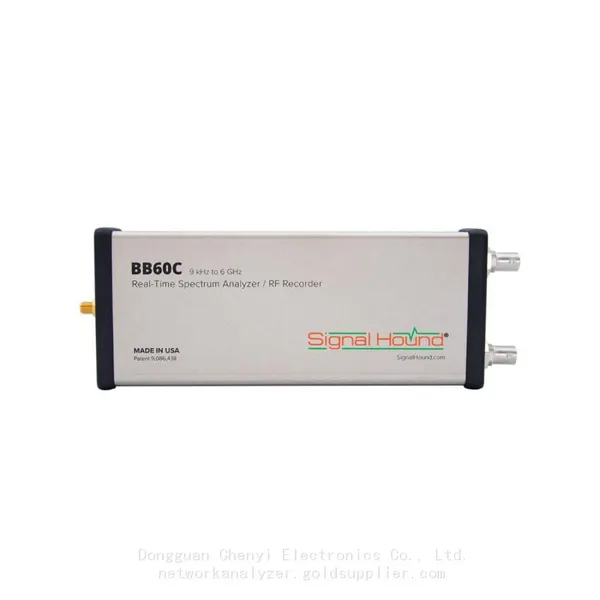
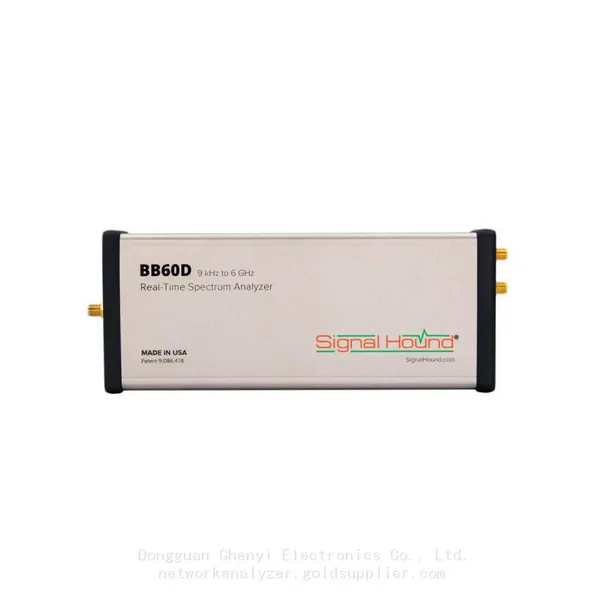
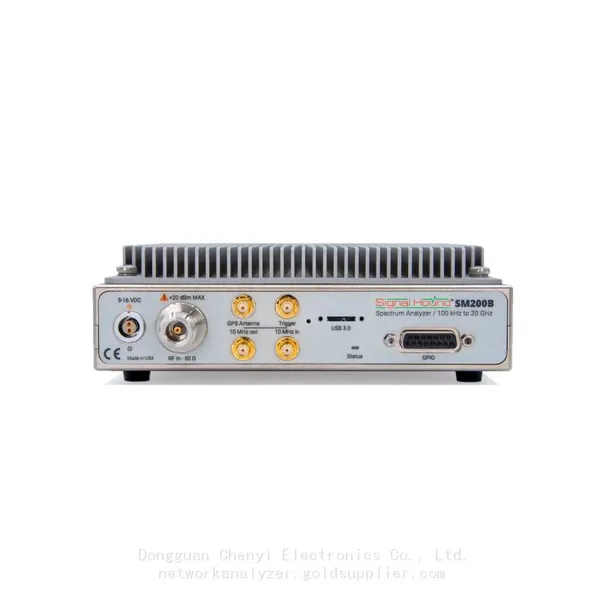
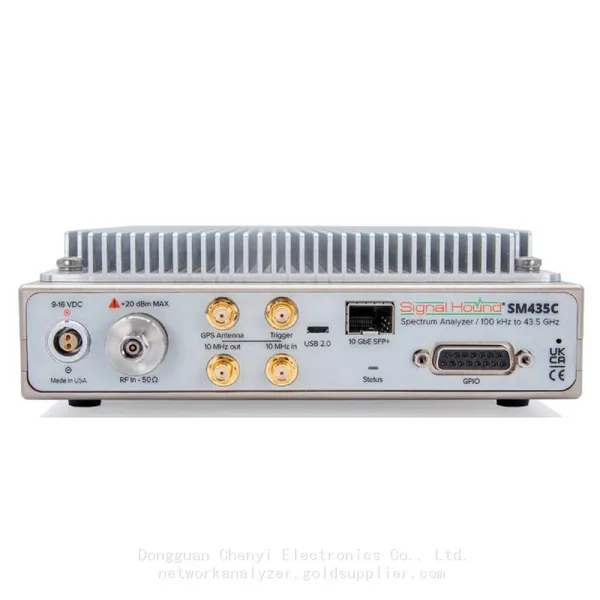
• Real-Time Spectrum Analyzer Series: Including BB60 series (such as BB60C, BB60D), SM200 series, SM435 series, etc., all of which have achieved perfect adaptation with the Linux version of Spike software. Among them, the SM435 series millimeter-wave spectrum analyzer supports a wide frequency range of 100kHz to 43.5GHz and a 160MHz continuous streaming I/Q bandwidth, which can meet high-end application needs such as 5G and Ka-band; the BB60 series, with the advantages of small size, portability, and USB power supply, is an ideal choice for field interference search.
• Entry-Level Spectrum Analyzer Series: Classic USB spectrum analyzers such as SA44B and SA124B can realize flexible customized development through Linux APIs, suitable for scientific research experiments or embedded integration scenarios with limited budgets.
• Signal Generator Series: Devices such as VSG60A can achieve full-function control through the Linux version of VSG 60 software, supporting the generation of various waveforms such as QAM and Bluetooth LE. Used in conjunction with the Linux version of Spike software, it can quickly build a closed-loop test system for "signal generation-analysis".
Comprehensive API Support: Unlocking Customized Development Potential on Linux Platforms
For Linux users in need of in-depth integration or customized development, SignalHound provides a fully functional Software Development Kit (SDK), including C/C++ static libraries, header files, and detailed development documents. The SDK supports multiple mainstream Linux distributions such as Ubuntu, CentOS, and RHEL, and is compatible with common compilers such as gcc. Developers can realize underlying control functions such as device initialization, parameter configuration, fast scanning, and I/Q data collection through APIs.
It is worth mentioning that SignalHound's Linux API is designed to be simple and easy to use, allowing even novice developers to get started quickly. For example, only a few lines of code are needed to realize spectrum scanning in a specified frequency range, which greatly reduces the threshold for customized development. At the same time, the SDK supports multi-device concurrent control (note the USB memory allocation limit of the Linux system), which can meet the development needs of multi-channel test systems. For Python developers, the community also provides relevant encapsulation examples, further expanding the compatibility of development languages.
Linux Environment Installation and Usage: Key Tips
To ensure the stable operation of SignalHound products in the Linux system, the following key points for installation and usage need to be emphasized:
1. System Dependencies Check: Before installation, ensure that the Linux system has installed the required dependencies, such as libusb-1.0, OpenGL, and other libraries. For Ubuntu systems, you can install the required dependencies through the apt package manager; for RHEL/CentOS systems, use the yum or dnf package manager. Missing dependencies may cause software startup failures or functional abnormalities.
2. USB Permission Configuration: Since SignalHound devices are mostly connected via USB, it is necessary to configure USB permissions to avoid the need for root privileges every time the device is used. Users can create a udev rule file in the /etc/udev/rules.d/ directory, add the vendor ID and product ID of SignalHound devices, and set appropriate permission parameters. After configuring the rules, reload the udev service to make the settings take effect.
3. Software Installation Steps: Download the Linux version of the software (Spike/VSG 60) from the official SignalHound website. The installation package is usually in .deb (for Debian/Ubuntu) or .rpm (for RHEL/CentOS) format, which can be installed with corresponding package management commands. For tarball format installation packages, decompress them and run the installation script according to the official documentation. During the installation process, follow the prompts to complete the configuration, such as selecting the installation path and creating desktop shortcuts.
4. Post-Installation Debugging: After the installation is complete, connect the SignalHound device via USB and start the software. If the device cannot be recognized, first check the USB connection and permission configuration; if there is a functional exception, check the system log (such as dmesg command output) to locate the problem. At the same time, it is recommended to update the device firmware to the latest version through the official software to ensure compatibility with the Linux system.
Summary: Empowering Linux Users in RF Test and Analysis
The full adaptation of SignalHound's product line to the Linux system fills the gap in cost-effective RF test equipment on the open-source platform, providing a more flexible and efficient solution for Linux users in industrial control, scientific research, IoT development, and other fields. Whether it is graphical operation through Spike/VSG 60 software or customized development based on SDK, it can meet the diverse needs of users.
For Linux users who have long been engaged in RF-related work, SignalHound's Linux support means that they can finally get rid of the dependence on cross-platform environments and build a more efficient and stable full-Linux RF test workflow. In the future, SignalHound will continue to optimize the compatibility and functional experience of Linux versions, bringing more surprises to global open-source platform users. If you are a Linux user in need of RF test equipment, SignalHound's Linux-adapted product line is definitely a worthy choice to consider.

Recently Posted
-
Vector Signal Generator Explained: Principles, Architecture, and Core Functions
August 31, 20261. When a Simple Signal Source Is Not EnoughAn R&D team developing a new Wi-Fi 6 access point spent a week validating their re Read More
 -
Software-Defined Instruments: How USB Spectrum Analyzers Are Changing the RF Testing Industry
August 17, 20261. The Benchtop Instrument That Would Not Fit in a Carry-OnAn RF field engineer arrived at a remote cell site in a mountainous reg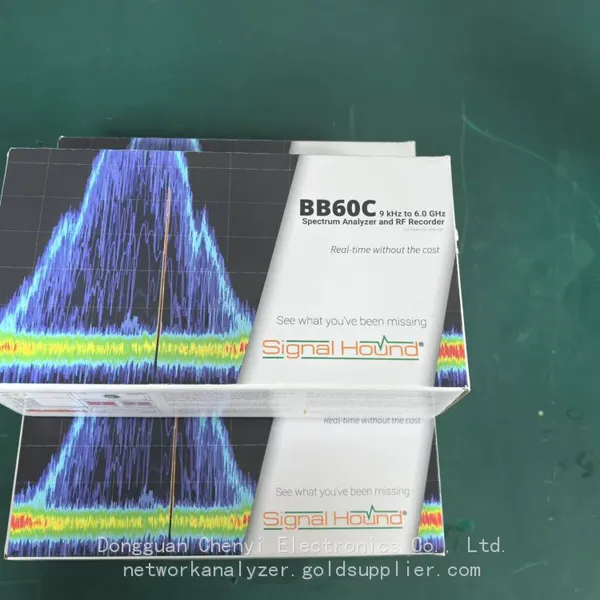 Read More
 -
Spectrum Monitoring Solutions for Broadcast Radio and Television Transmission Stations
August 17, 20261. When a 50 kW FM Transmitter Goes SilentA regional FM broadcaster serving roughly 2 million listeners lost its main transmitter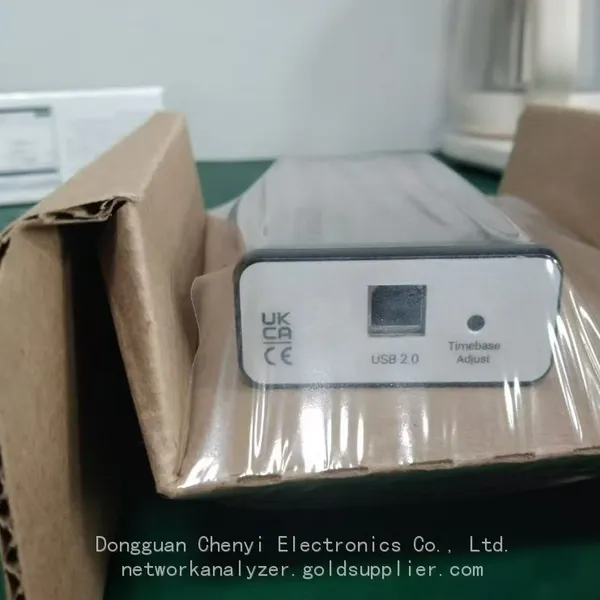 Read More
 -
Understanding Spectrum Analyzer Key Specifications: DANL, Phase Noise, TOI, and RBW
August 14, 20261. The Specification That Cost Two Weeks of DebuggingAn RF design team spent two weeks trying to measure the third harmonic of a 2 Read More

Contact Us
Recommended Products
-
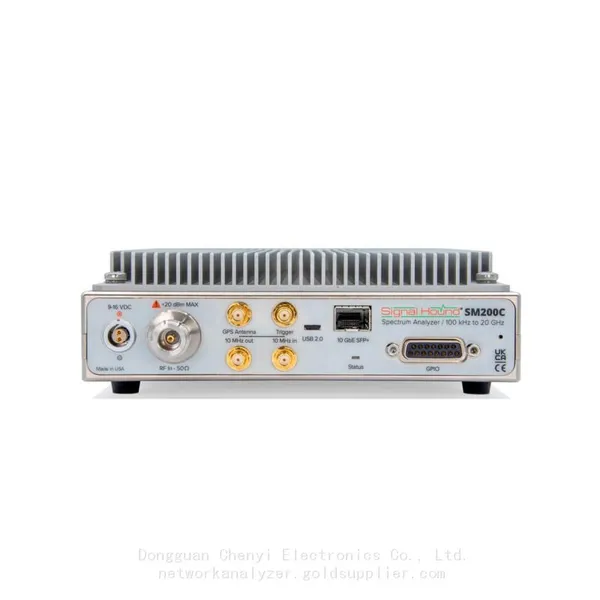
 Signal Hound SM200C 100 KHz to 20 GHz Real-time Spectrum Analyzer With 10GbE Monitoring ReceiversNegotiableMOQ: 1 Unit
 -
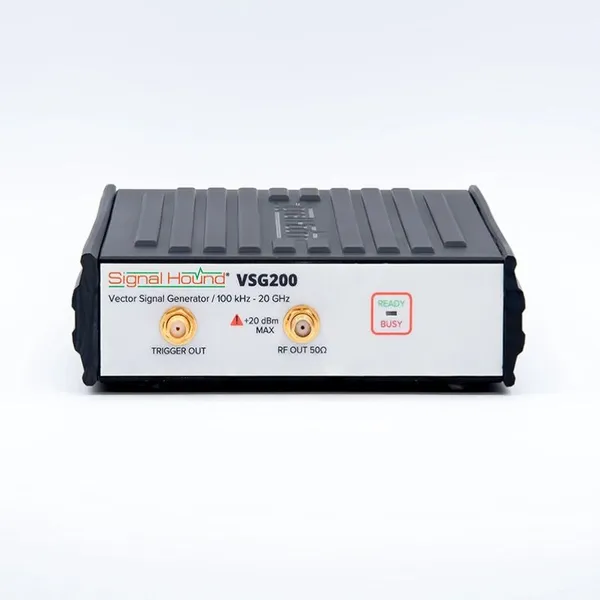
Signal Hound VSG200 Vector Signal Generator 100 KHz to 20 GHzNegotiableMOQ: 1 Unit
-
Signal Hound BB60C 9 KHz to 6 GHz Real-time Spectrum AnalyzerNegotiableMOQ: 1 Unit
-
Signal Hound BB60D 9 KHz to 6 GHz Real-time Spectrum AnalyzerNegotiableMOQ: 1 Unit
-
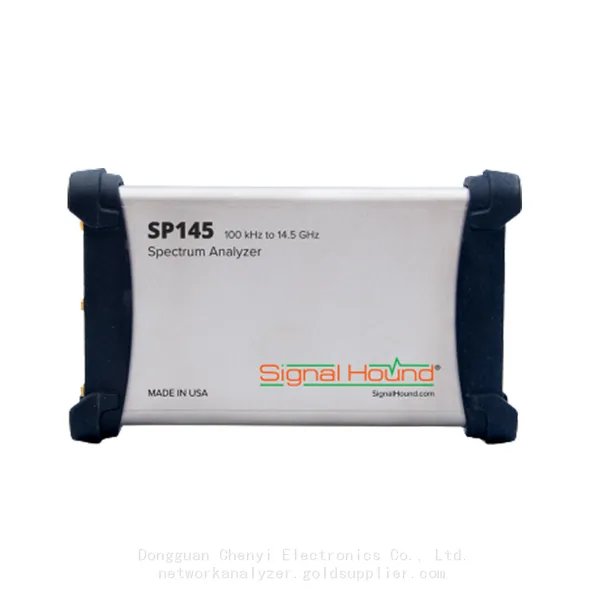
Signal Hound SP145 100 KHz to 14.5 GHz Real-time Spectrum Analyzer Monitoring ReceiversNegotiableMOQ: 1 Unit
-
Signal Hound VSG60A 50 MHz to 6 GHz GHz Vector Signal GeneratorNegotiableMOQ: 1 Unit
-
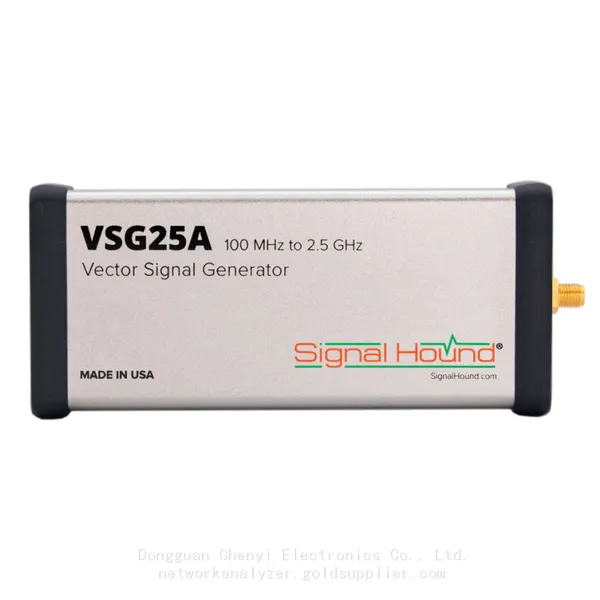
Signal Hound VSG25A 100 MHz to 2.5 GHz Vector Signal GeneratorNegotiableMOQ: 1 Unit
-
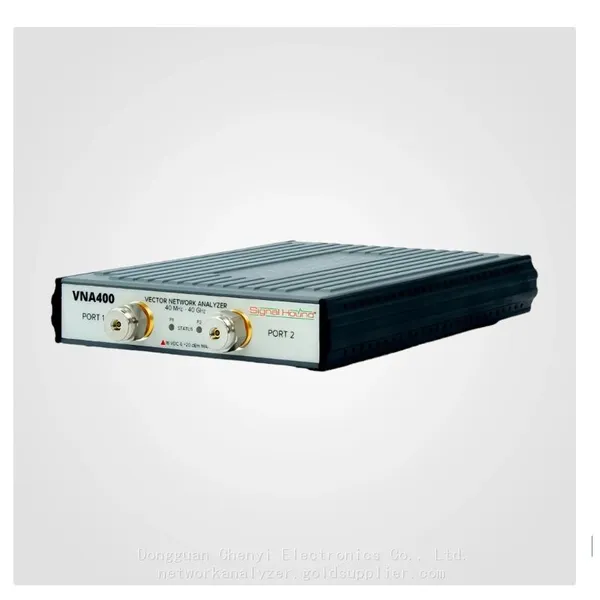
Signal Hound VNA400 40 MHz to 40 GHz 2-port Vector Network AnalyzerNegotiableMOQ: 1 Unit
-
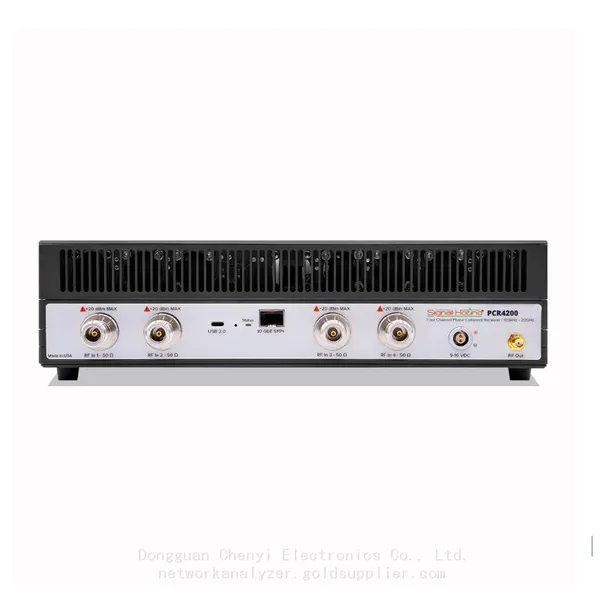
Signal Hound PCR4200 100 KHz to 20 GHz Four-Channel Phase Coherent ReceiverNegotiableMOQ: 1 Unit
-
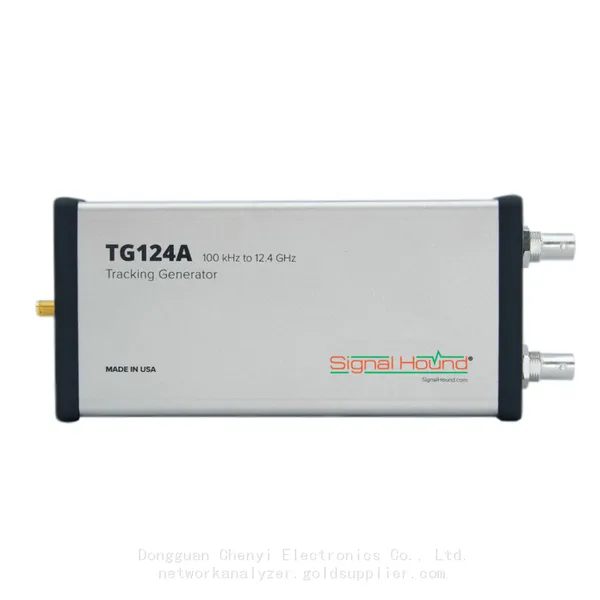
Signal Hound TG124A 100 KHz to 12.4 GHz Tracking GeneratorNegotiableMOQ: 1 Unit
-
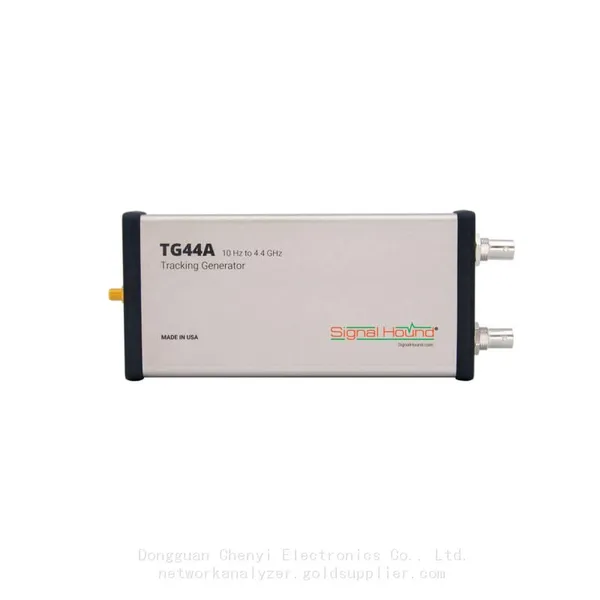
Signal Hound TG44A 10 Hz to 4.4 GHz t Tracking GeneratorNegotiableMOQ: 1 Unit
-
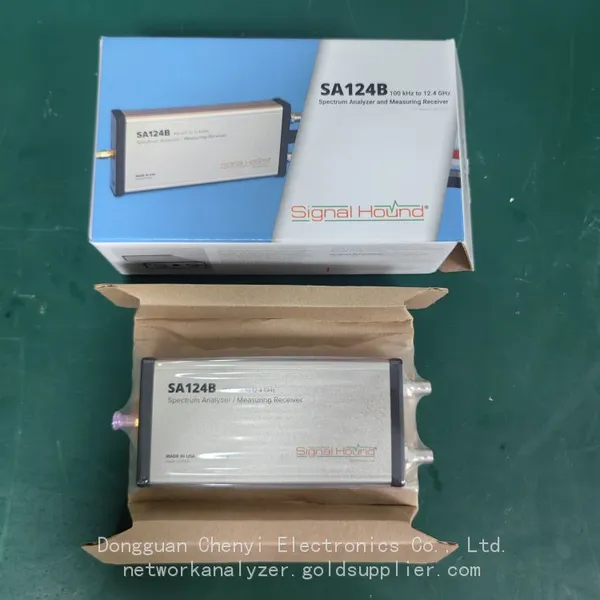
Signal Hound SA124B 100 KHz to 12.4 GHz Spectrum AnalyzerNegotiableMOQ: 1 Unit
-
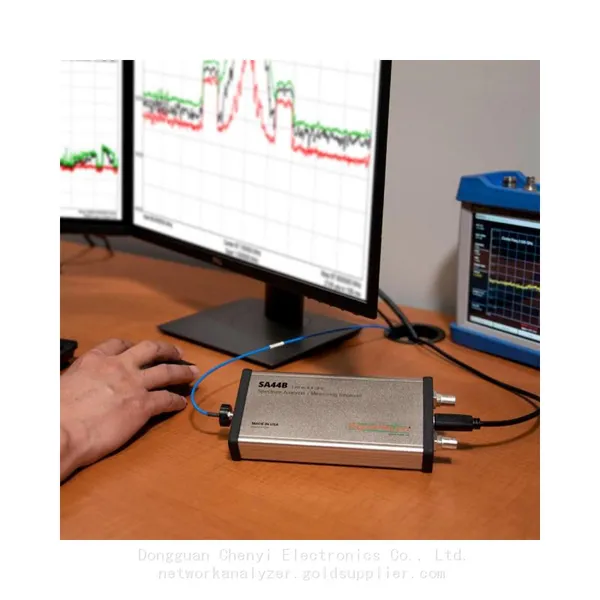
Signal Hound SA44B 1 Hz to 4.4 GHz Spectrum AnalyzerNegotiableMOQ: 1 Unit
-
Signal Hound SM200B 100 KHz to 20 GHz Real-time Spectrum Analyzer Monitoring ReceiversNegotiableMOQ: 1 Unit
-
Signal Hound SM435C 100 KHz to 43.5GHz Real-time Spectrum Analyzer With 10GbE Monitoring ReceiversNegotiableMOQ: 1 Unit
-
Signal Hound SM435B 100 KHz to 43.5GHz Real-time Spectrum Analyzer Monitoring ReceiversNegotiableMOQ: 1 Unit
-
Signal Hound PN400 Phase Noise and VCO Test System 100 KHz to 43.5 GHzNegotiableMOQ: 1 Unit
-
Keysight E4980A Precision LCR Meter 20 Hz to 2 MHzNegotiableMOQ: 1 Unit
-
Keysight E4980B and E4980BL Precision LCR Meter 20 Hz to 2 MHzNegotiableMOQ: 1 Unit
-
Keysight U1733C Handheld LCR Meter 100Hz 120Hz 1kHz 10kHz 100kHzNegotiableMOQ: 1 Unit