
 Business License

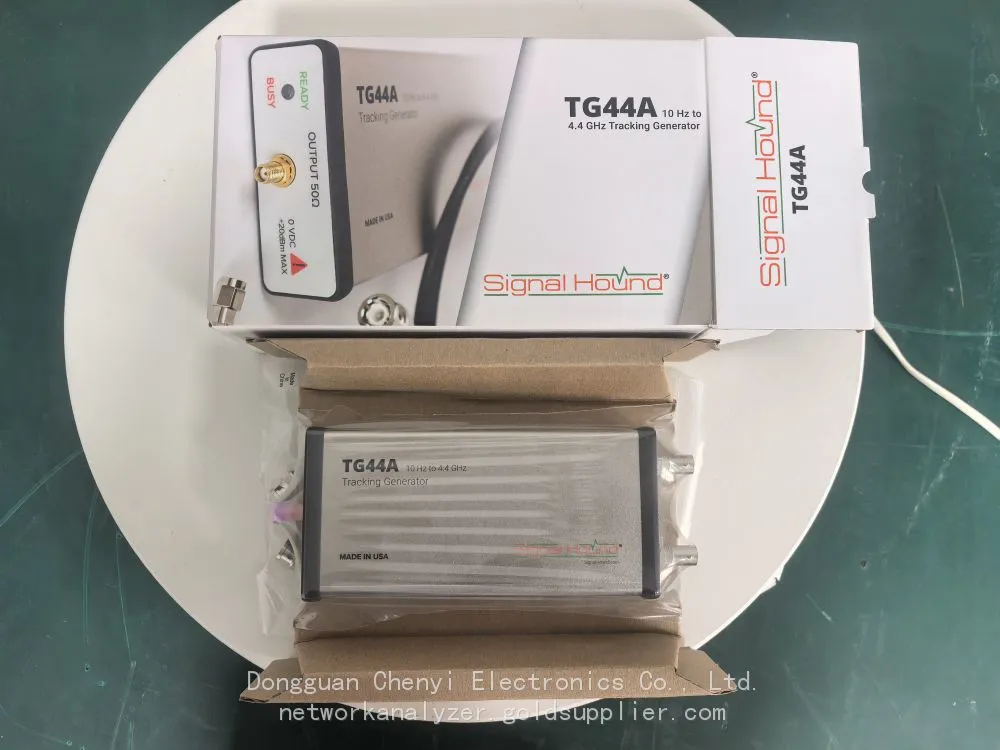
Signal Hound TG44A RF Signal Generator Product Manual
Signal Hound TG44A RF Signal Generator Product Manual
1. Introduction
1.1 Overview
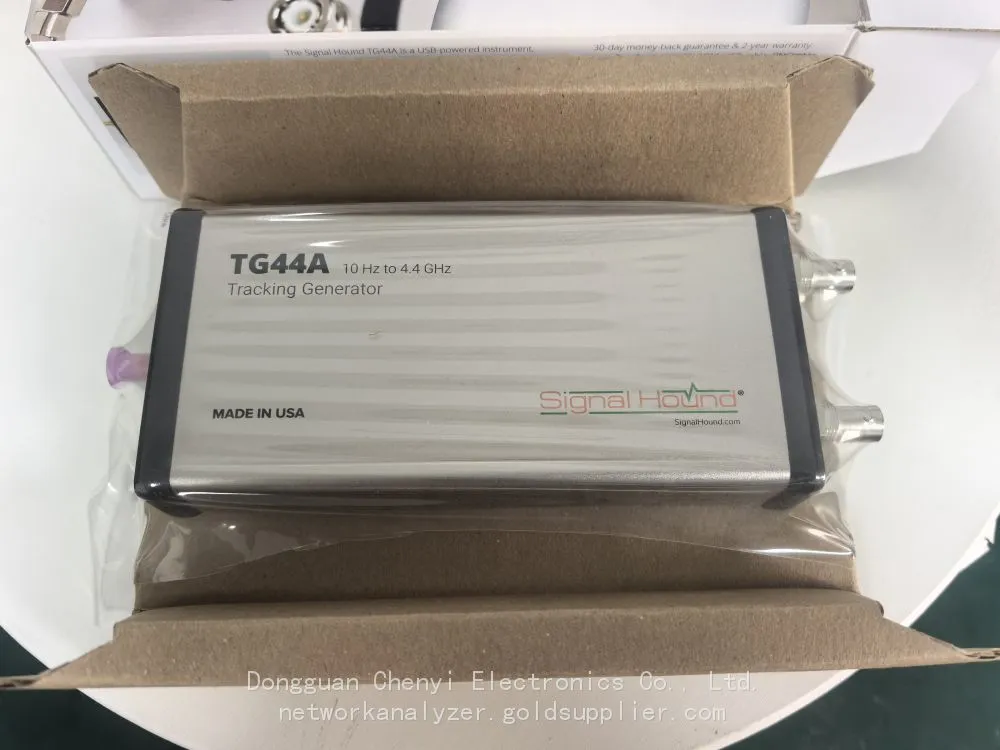
The Signal Hound TG44A is a high-performance, compact RF signal generator designed to meet the demanding requirements of mid-to-high frequency RF testing, component characterization, IoT (Internet of Things) advanced device validation, and small-to-medium scale research projects. Covering an extended frequency range of 9 kHz to 44 GHz, the TG44A delivers reliable and precise signal generation capabilities for a wide array of applications, including 5G sub-6 GHz, Wi-Fi 6/7, industrial microwave systems, and advanced wireless sensor networks. Its USB-powered design, seamless integration with Signal Hound’s Spike® RF analysis software, and exceptional signal fidelity make it an ideal solution for both lab-based R&D and field testing scenarios where portability, versatility, and cost-effectiveness are prioritized.
1.2 Scope of This Manual
This manual provides comprehensive information on the Signal Hound TG44A, including technical specifications, key features, hardware installation, software setup, basic operation procedures, application scenarios, routine maintenance, and troubleshooting. It is intended for engineers, technicians, researchers, educators, and students who use the TG44A for RF signal generation and related testing tasks.
1.3 Safety Information
• Before operating the TG44A, carefully read all safety instructions and technical specifications to prevent equipment damage or personal injury.
• Operate the device only within the specified environmental conditions (temperature: -10°C to 55°C; humidity: 10% to 90% non-condensing).
• Use only the recommended power sources (USB 3.2 Type-C or optional 12V DC power supply) to avoid electrical damage to the device.
• Avoid exposing the TG44A to extreme temperatures, moisture, dust, direct sunlight, or physical shock.
• Do not disassemble the device without authorization. For repairs or maintenance, contact Signal Hound technical support.
• When connecting RF cables, ensure proper and secure mating to prevent damage to the SMA or waveguide connectors (if applicable). Use external attenuators when testing high-power devices to protect the TG44A’s RF front end.
• Disconnect the power supply before connecting or disconnecting RF cables or other peripherals to avoid signal interference or equipment damage.
2. Technical Specifications
Parameter | Specification |
Frequency Range | 9 kHz to 44 GHz |
Frequency Accuracy | ±2 ppm (typical) over operating temperature range |
Phase Noise (Typical) | -135 dBc/Hz at 1 GHz, 10 kHz offset; -120 dBc/Hz at 28 GHz, 10 kHz offset; -110 dBc/Hz at 44 GHz, 10 kHz offset |
Output Power Range | Typical: -65 dBm to +10 dBm (1 GHz to 28 GHz); -65 dBm to +5 dBm (28 GHz to 44 GHz) |
Power Accuracy | ±0.8 dB (typical) from 1 GHz to 28 GHz; ±1.0 dB (typical) from 28 GHz to 44 GHz |
Attenuation | 0–60 dB, step size 0.1 dB |
Modulation Formats | Analog: AM, FM, PM, Pulse; Digital: QPSK, 16QAM, 64QAM, 256QAM, OFDM; Custom IQ Waveform Playback |
Real-Time Bandwidth (RTBW) | 1 GHz (typical) |
Waveform Memory | Up to 8 GSamples (16-bit resolution) |
Interfaces | USB 3.2 Type-C (power & communication); SMA Female (RF Output, 9 kHz to 28 GHz); Waveguide Interface (optional, 28 GHz to 44 GHz); 10 MHz Reference In/Out (SMA Female) |
Power Supply | USB 3.2 Type-C (5V/3A) or optional 12V DC power supply (12V/5A) |
Dimensions (W×H×D) | 7.8 × 2.0 × 5.5 inches (198.1 × 50.8 × 139.7 mm) |
Weight | 1.5 lbs (0.68 kg) |
Operating Temperature | -10°C to 55°C |
Storage Temperature | -40°C to 70°C |
3. Key Features
3.1 Extended Frequency Coverage for Mid-to-High Band Applications
The TG44A covers a wide frequency range from 9 kHz to 44 GHz, enabling comprehensive testing across conventional RF bands and critical mid-to-high frequency spectrums (e.g., 5G sub-6 GHz, Wi-Fi 6/7, 24 GHz industrial microwave, 30–44 GHz emerging IoT bands). It maintains stable performance and consistent signal quality across the entire frequency range, eliminating the need for multiple specialized signal generators and simplifying test setups for diverse applications.
3.2 High Real-Time Bandwidth for Wideband Signal Generation
With a 1 GHz real-time bandwidth (RTBW), the TG44A generates high-fidelity wideband signals required for modern wireless standards and complex systems. It supports 5G sub-6 GHz signals with 400 MHz channel bandwidth (per 3GPP specifications) and wideband radar waveforms (e.g., FMCW with large chirp bandwidths), ensuring minimal distortion for accurate simulation of real-world operating conditions.
3.3 Exceptional Signal Fidelity
Ultra-low phase noise and low harmonic distortion (<-55 dBc typical) ensure precise signal generation, critical for testing sensitive receivers and characterizing high-frequency RF components (amplifiers, filters, mixers). High power accuracy guarantees reliable and repeatable test results, even at the upper end of the 44 GHz frequency range.
3.4 Comprehensive Modulation Capabilities
Supports a full suite of analog and digital modulation formats, as well as custom IQ waveform playback. Pre-defined templates for 5G NR, Wi-Fi 6/7, and industrial microwave protocols simplify setup for common testing scenarios. The 8 GSamples waveform memory enables playback of pre-recorded real-world signals for realistic scenario simulation, such as complex interference environments or real wireless traffic.
3.5 Compact, Portable Design
USB-powered and lightweight (1.5 lbs), the TG44A is ideal for field testing (e.g., 5G base station deployment verification, outdoor IoT network testing) where traditional benchtop equipment is impractical. Its rugged enclosure withstands transportation and harsh testing environments, ensuring reliability in both lab and field settings.
3.6 Seamless Integration with Spike Software
Fully integrated with Signal Hound’s Spike RF analysis software, providing a unified interface for signal generation and spectrum analysis (when paired with Signal Hound spectrum analyzers such as SM435C). Spike offers intuitive tools for signal configuration, waveform editing, and real-time monitoring. Support for Signal Hound’s SDK enables custom automation in Python, C/C++, or .NET.
4. Hardware Installation
4.1 Unpacking and Inspection
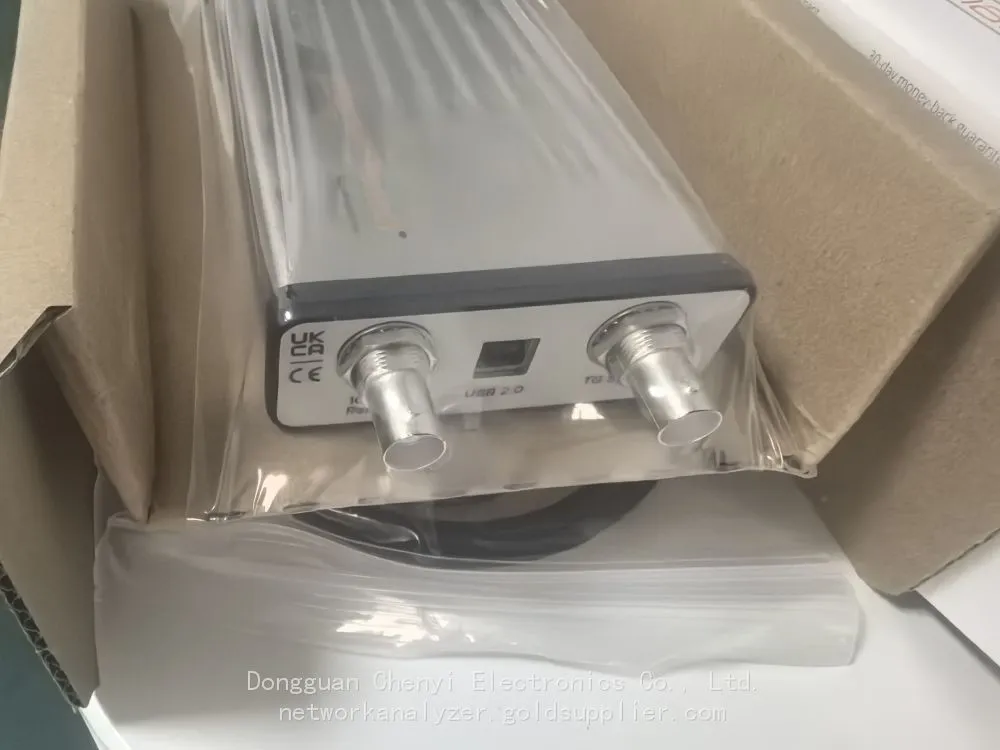
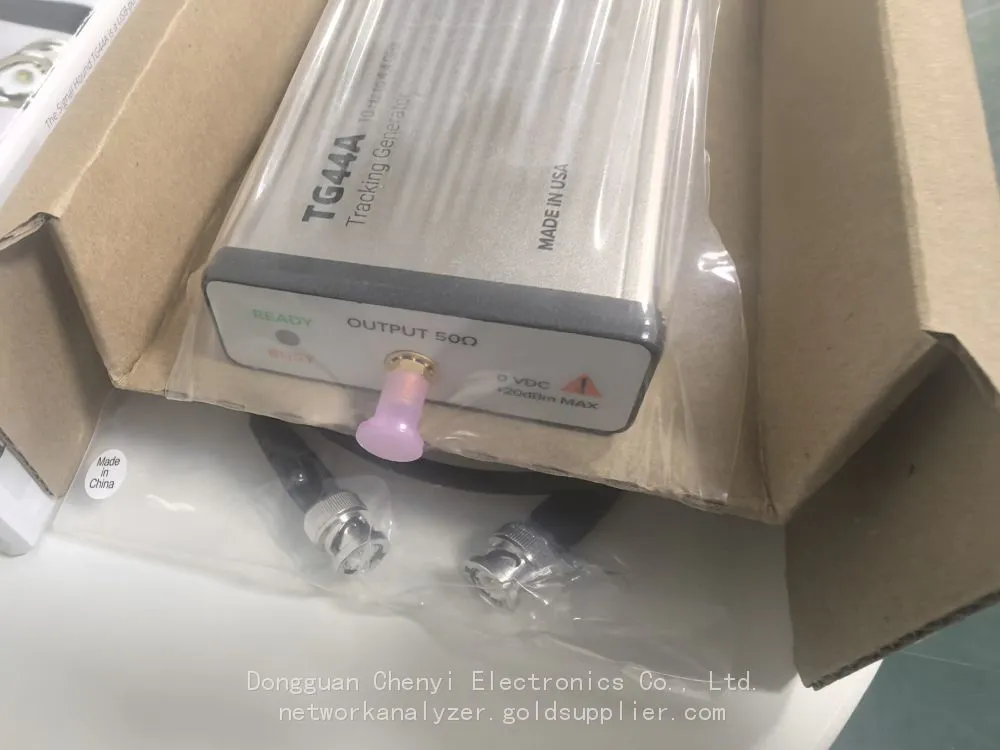
Upon receiving the TG44A, carefully unpack the package and verify that all components are present and undamaged. The standard package includes:
• Signal Hound TG44A vector signal generator
• USB 3.2 Type-C cable
• SMA RF cable (for 9 kHz to 28 GHz operation)
• Quick Start Guide
• Calibration Certificate
• Optional: Waveguide adapter (for 28 GHz to 44 GHz operation)
If any components are missing or damaged, contact Signal Hound customer support immediately.
4.2 Hardware Connections
1. Power Connection: Connect the USB 3.2 Type-C cable to the TG44A’s USB port and the other end to a compatible laptop or USB power adapter. For extended field use or high-power operation, use the optional 12V DC power supply.
2. RF Connection:
Use an external attenuator if connecting to high-power devices to protect the TG44A’s RF front end.
○ For frequencies 9 kHz to 28 GHz: Connect an SMA male-to-female RF cable to the TG44A’s SMA RF Output port.
○ For frequencies 28 GHz to 44 GHz: Attach the optional waveguide adapter to the TG44A’s waveguide interface, then connect the appropriate waveguide cable or antenna.
3. Reference Connection (Optional): For enhanced frequency stability, connect an external 10 MHz reference source to the 10 MHz Reference In port. To share the TG44A’s internal reference, connect the 10 MHz Reference Out port to other test equipment.
4. Device Under Test (DUT) Connection: Connect the other end of the RF cable or waveguide to the DUT’s RF input port. Ensure all connections are secure to avoid signal loss or reflection.
4.3 Environmental Requirements
Operate the TG44A in a clean, dry environment with adequate ventilation. Avoid direct sunlight, extreme temperatures, and high humidity. Ensure the device is placed on a stable surface to prevent physical damage. For waveguide operations, keep the waveguide interface clean and free of debris to maintain signal integrity.
5. Software Setup
5.1 System Requirements
To run Spike software and control the TG44A, your computer must meet the following minimum requirements:
• Operating System: Windows 10/11 (64-bit) or Linux (Ubuntu 20.04 LTS or later, 64-bit)
• Processor: Intel Core i7 or equivalent
• RAM: 16 GB or more
• USB Port: USB 3.2 Type-C (for communication and power)
• Hard Disk Space: 20 GB or more free space
5.2 Installing Spike Software
5. Download the latest version of Spike software from the Signal Hound website (www.signalhound.com).
6. Run the installer and follow the on-screen instructions to complete the installation. For Linux users, follow the terminal commands provided in the download package.
7. Restart your computer after installation to ensure all drivers are properly loaded.
5.3 Connecting TG44A to Spike Software
8. Power on the TG44A by connecting it to your computer via the USB 3.2 Type-C cable or the optional 12V DC power supply.
9. Launch Spike software. The software will automatically detect the TG44A. If not detected, click "Tools" > "Device Manager" and select "TG44A" from the list of available devices.
10. Once connected, the TG44A status will be displayed as "Ready" in the Spike interface, indicating successful communication.
6. Basic Operation
6.1 Navigating the Spike Interface for TG44A
The Spike interface for TG44A consists of four main sections:
• Device Control Panel: Displays TG44A status, frequency, power, attenuation, and modulation settings.
• Waveform Editor: Used to create or import custom IQ waveforms.
• Modulation Settings: Configures analog/digital modulation parameters and selects pre-defined protocol templates.
• Signal Monitor: Displays real-time signal waveform and spectrum (when paired with a Signal Hound spectrum analyzer).
6.2 Generating a Basic CW Signal
11. In Spike, select "Signal Generation" > "CW" from the main menu.
12. Set the desired frequency (e.g., 28 GHz) in the "Frequency" field.
13. Set the output power (e.g., 0 dBm) in the "Power" field. Adjust the attenuator if needed.
14. Click the "Start" button to generate the CW signal. The status indicator will turn green, confirming signal generation.
15. To stop the signal, click the "Stop" button.
6.3 Configuring Digital Modulation (e.g., 5G NR)
16. Select "Signal Generation" > "Digital Modulation" > "5G NR" from the main menu.
17. In the 5G NR configuration window, set the band (e.g., n78 for 3.5 GHz), channel bandwidth (e.g., 400 MHz), modulation type (e.g., 256QAM), and other parameters per 3GPP specifications.
18. Verify the settings and click "Apply" to save.
19. Click "Start" to generate the 5G NR signal. Use the Signal Monitor to view the signal waveform and spectrum.
6.4 Playing Back a Custom IQ Waveform
20. Select "Signal Generation" > "IQ Waveform Playback" from the main menu.
21. Click "Import" to load a custom IQ waveform file (supported formats: .wav, .iq, .bin).
22. Set the playback sample rate and repeat mode (single shot or continuous).
23. Adjust the output power and click "Start" to begin waveform playback.
7. Application Scenarios
7.1 5G Sub-6 GHz Testing
Ideal for 5G sub-6 GHz terminal device R&D (smartphones, CPEs), base station component testing (antenna arrays, transceivers), and network deployment optimization. Generates compliant 5G NR signals to verify receiver sensitivity, EVM, and spectral compliance.
7.2 Wi-Fi 6/7 & Advanced IoT Testing
Supports testing of Wi-Fi 6/7 (2.4 GHz, 5 GHz, 6 GHz) devices and advanced IoT sensors operating in the 24–44 GHz band. Generates wideband signals to test data transmission rate, latency, and anti-interference capability.
7.3 Industrial Microwave System Testing
Used for testing industrial microwave equipment (e.g., 24 GHz level sensors, 30 GHz material processing systems). Generates stable microwave signals to verify component performance and system reliability in harsh industrial environments.
7.4 Aerospace & Defense (A&D) Applications
Suitable for testing low-power military communication systems and UAV-borne RF sensors operating in the mid-to-high frequency range. Generates encrypted and anti-jamming signals to test equipment reliability in complex electromagnetic environments.
7.5 Academic Research & Education
A cost-effective platform for mid-to-high frequency RF research, 5G technology studies, and student innovation projects. Enables hands-on experiments on wideband signal generation, modulation, and propagation.
8. Maintenance & Calibration
8.1 Routine Maintenance
• Keep the TG44A clean and free of dust. Use a dry, lint-free cloth to wipe the exterior periodically. For waveguide interfaces, use a soft brush to remove debris.
• Inspect RF and waveguide connectors regularly for damage or wear. Replace damaged cables or connectors immediately.
• Avoid exposing the device to liquids or corrosive substances.
• Store the device in a dry, temperature-controlled environment when not in use. Use the original packaging for long-term storage or transportation.
8.2 Calibration
To ensure optimal performance, the TG44A should be calibrated annually by Signal Hound or an authorized calibration service provider. Calibration includes verification of frequency accuracy, power accuracy, phase noise, and modulation performance. A calibration certificate will be provided upon completion.
9. Troubleshooting
Issue | Possible Cause | Solution |
TG44A not detected by Spike | USB cable disconnected or faulty; outdated drivers; USB port not compatible | Reconnect the USB cable; replace with a new USB 3.2 cable; update Spike software and drivers; use a different USB 3.2 port |
No RF signal output (28 GHz to 44 GHz) | Waveguide adapter not properly attached; waveguide interface contaminated; incorrect frequency setting | Reattach the waveguide adapter securely; clean the waveguide interface; verify the frequency is within the waveguide’s operating range |
Signal quality issues (high phase noise, distortion) | External interference; unstable power supply; outdated firmware; damaged RF cables | Move to a low-interference environment; use a stable power supply; update TG44A firmware via Spike; replace damaged RF cables |
Modulation parameters not applying | Invalid parameter settings; software glitch; insufficient waveform memory | Verify parameter values are within specifications; restart Spike software; power cycle the TG44A; reduce waveform size if applicable |
If the issue persists after following the above solutions, contact Signal Hound technical support.
10. Technical Support & Warranty
10.1 Technical Support
Signal Hound provides comprehensive technical support for the TG44A. For assistance, contact us via:
• Website: www.signalhound.com/support
• Email: support@signalhound.com
• Phone: +1 (503) 533-5800 (Monday–Friday, 8:00 AM–5:00 PM PST)
10.2 Warranty
The Signal Hound TG44A comes with a 2-year limited warranty from the date of purchase. The warranty covers defects in materials and workmanship. It does not cover damage caused by improper use, abuse, unauthorized modification, or environmental factors. For warranty claims, contact Signal Hound with your product serial number and proof of purchase.
11. Revision History
Revision | Date | Changes |
1.0 | YYYY-MM-DD | Initial release |
© [Year] Signal Hound, Inc. All rights reserved. Signal Hound and Spike are registered trademarks of Signal Hound, Inc.
Recently Posted
-
Software-Defined Instruments: How USB Spectrum Analyzers Are Changing the RF Testing Industry
August 17, 20261. The Benchtop Instrument That Would Not Fit in a Carry-OnAn RF field engineer arrived at a remote cell site in a mountainous reg Read More
 -
Spectrum Monitoring Solutions for Broadcast Radio and Television Transmission Stations
August 17, 20261. When a 50 kW FM Transmitter Goes SilentA regional FM broadcaster serving roughly 2 million listeners lost its main transmitter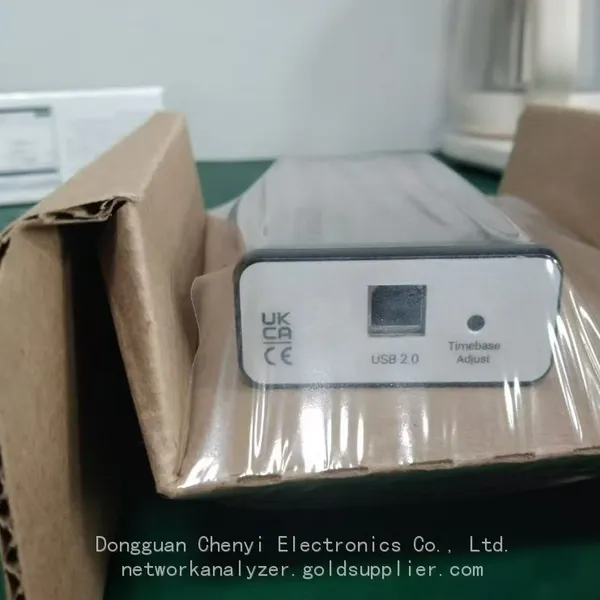 Read More
 -
Understanding Spectrum Analyzer Key Specifications: DANL, Phase Noise, TOI, and RBW
August 14, 20261. The Specification That Cost Two Weeks of DebuggingAn RF design team spent two weeks trying to measure the third harmonic of a 2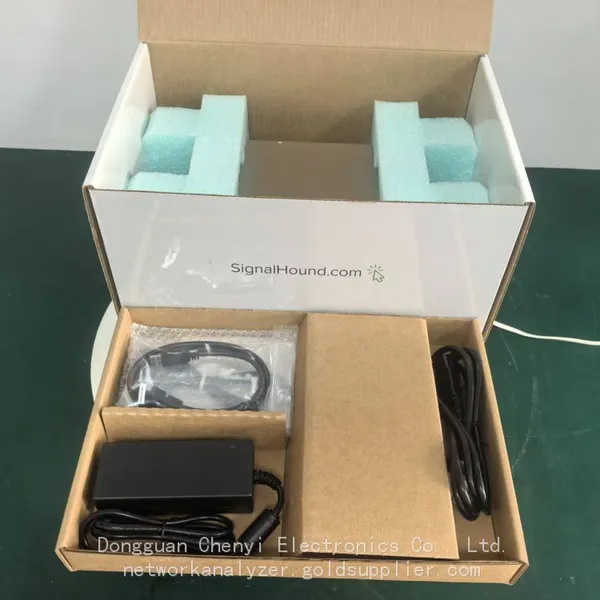 Read More
 -
Real-Time Spectrum Analyzer vs Traditional Swept Spectrum Analyzer: Which One Fits Modern RF Testing
August 13, 20261. The Purchase Decision That Engineers Keep Getting WrongA test equipment manager at a contract manufacturer ordered three tradit Read More

Contact Us
Recommended Products
-
 Signal Hound SM200C 100 KHz to 20 GHz Real-time Spectrum Analyzer With 10GbE Monitoring ReceiversNegotiableMOQ: 1 Unit
 -
Signal Hound VSG200 Vector Signal Generator 100 KHz to 20 GHzNegotiableMOQ: 1 Unit
-
Signal Hound BB60C 9 KHz to 6 GHz Real-time Spectrum AnalyzerNegotiableMOQ: 1 Unit
-
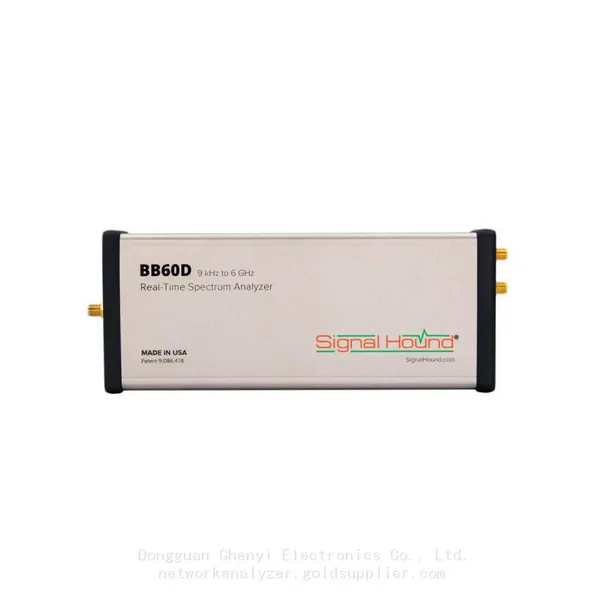
Signal Hound BB60D 9 KHz to 6 GHz Real-time Spectrum AnalyzerNegotiableMOQ: 1 Unit
-
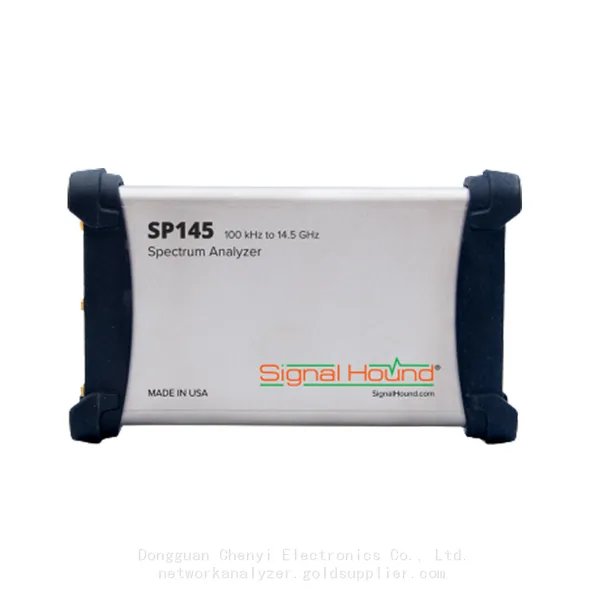
Signal Hound SP145 100 KHz to 14.5 GHz Real-time Spectrum Analyzer Monitoring ReceiversNegotiableMOQ: 1 Unit
-
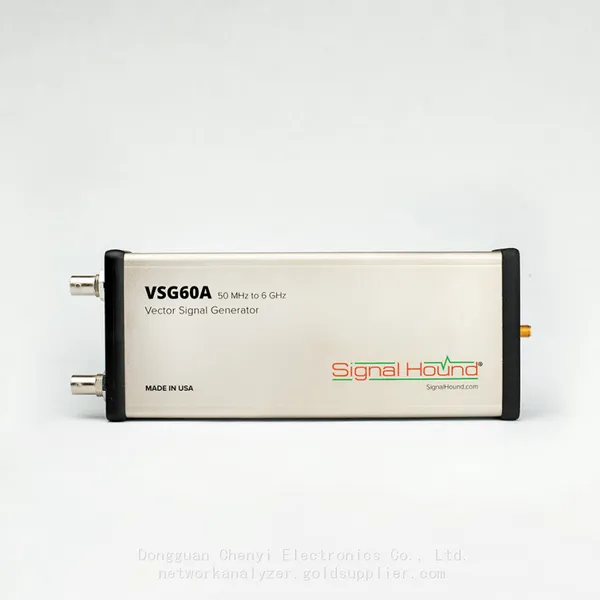
Signal Hound VSG60A 50 MHz to 6 GHz GHz Vector Signal GeneratorNegotiableMOQ: 1 Unit
-
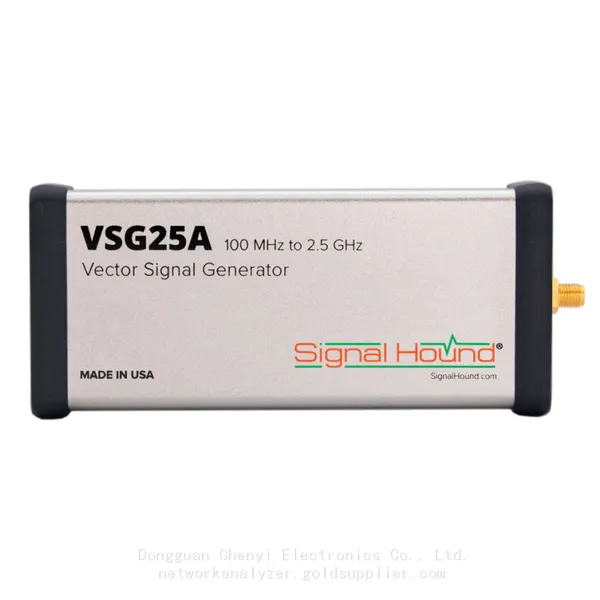
Signal Hound VSG25A 100 MHz to 2.5 GHz Vector Signal GeneratorNegotiableMOQ: 1 Unit
-
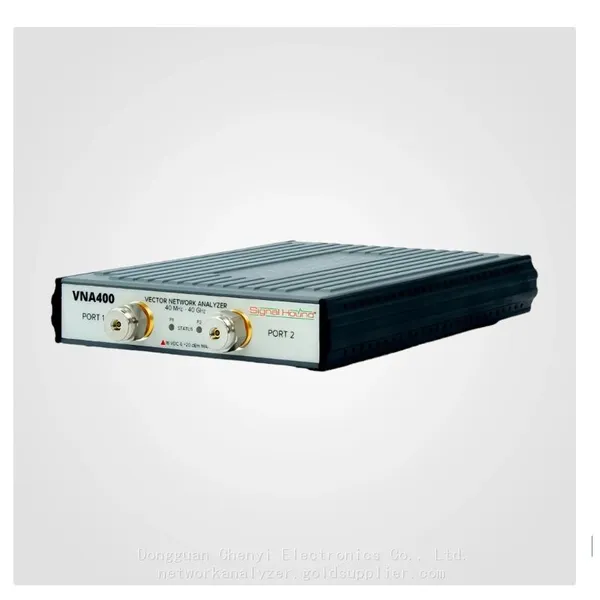
Signal Hound VNA400 40 MHz to 40 GHz 2-port Vector Network AnalyzerNegotiableMOQ: 1 Unit
-
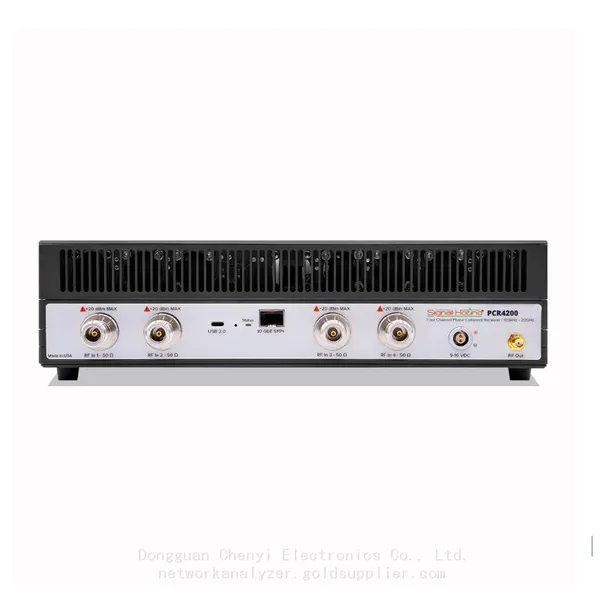
Signal Hound PCR4200 100 KHz to 20 GHz Four-Channel Phase Coherent ReceiverNegotiableMOQ: 1 Unit
-
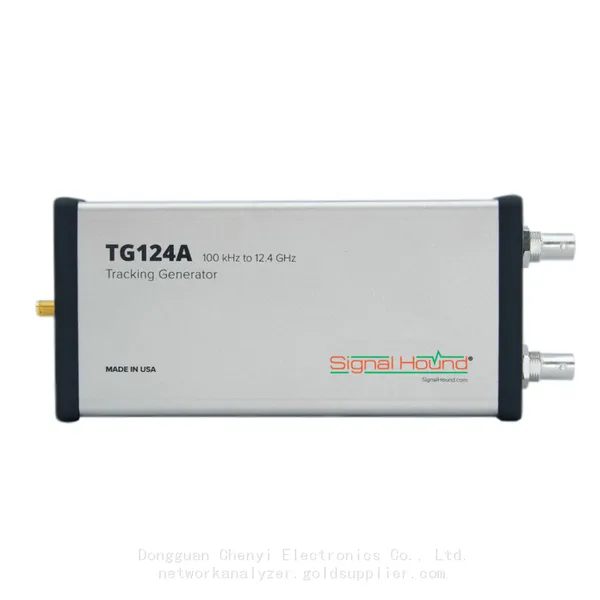
Signal Hound TG124A 100 KHz to 12.4 GHz Tracking GeneratorNegotiableMOQ: 1 Unit
-
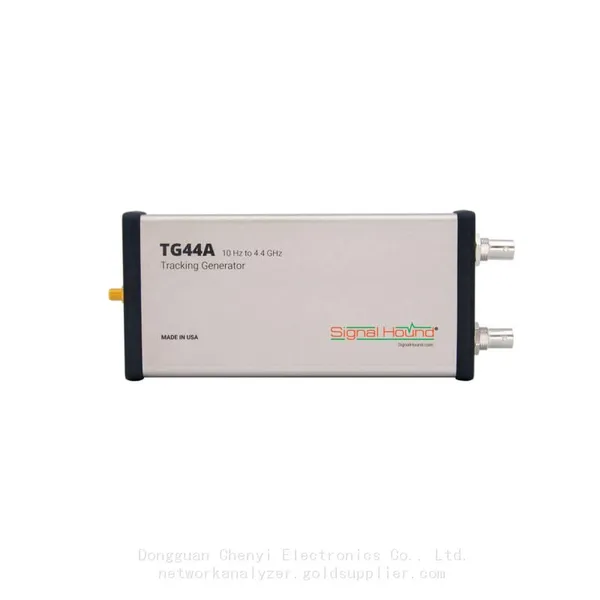
Signal Hound TG44A 10 Hz to 4.4 GHz t Tracking GeneratorNegotiableMOQ: 1 Unit
-
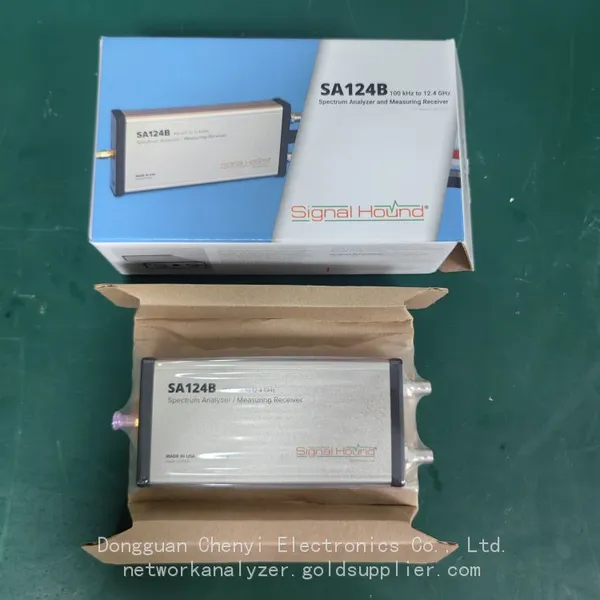
Signal Hound SA124B 100 KHz to 12.4 GHz Spectrum AnalyzerNegotiableMOQ: 1 Unit
-
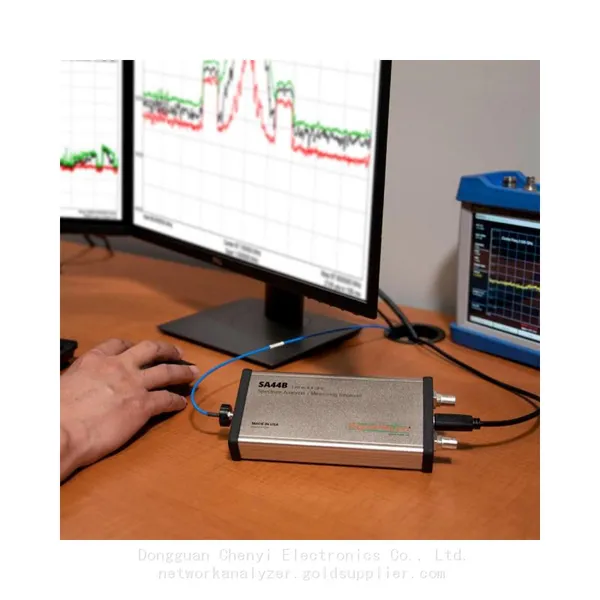
Signal Hound SA44B 1 Hz to 4.4 GHz Spectrum AnalyzerNegotiableMOQ: 1 Unit
-
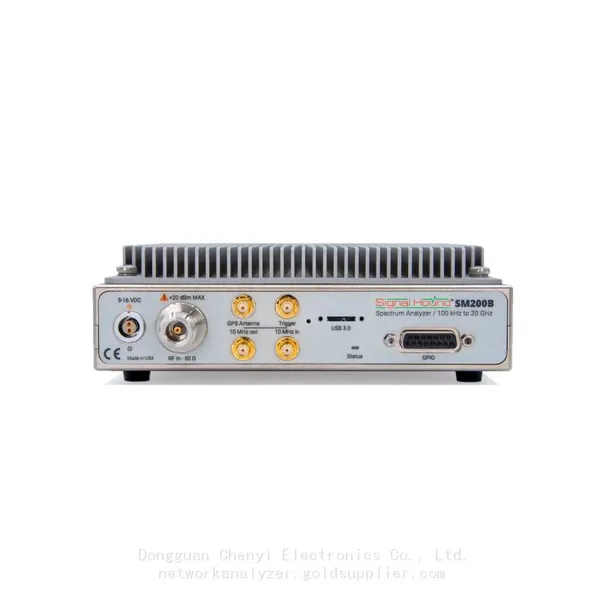
Signal Hound SM200B 100 KHz to 20 GHz Real-time Spectrum Analyzer Monitoring ReceiversNegotiableMOQ: 1 Unit
-
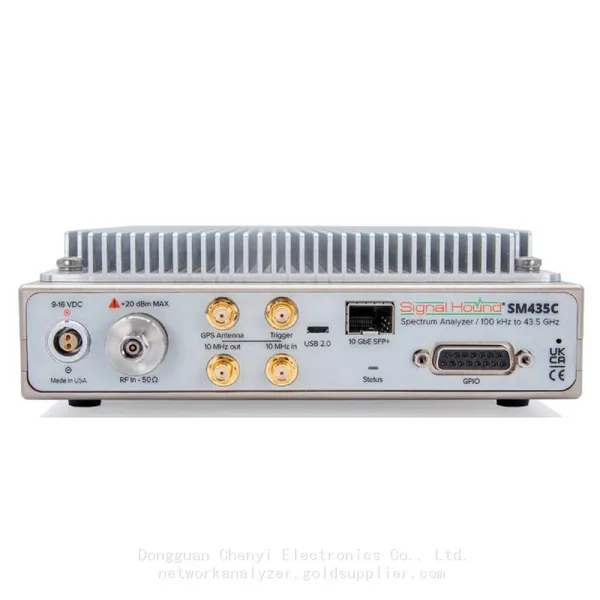
Signal Hound SM435C 100 KHz to 43.5GHz Real-time Spectrum Analyzer With 10GbE Monitoring ReceiversNegotiableMOQ: 1 Unit
-
Signal Hound SM435B 100 KHz to 43.5GHz Real-time Spectrum Analyzer Monitoring ReceiversNegotiableMOQ: 1 Unit
-
Signal Hound PN400 Phase Noise and VCO Test System 100 KHz to 43.5 GHzNegotiableMOQ: 1 Unit
-
Keysight E4980A Precision LCR Meter 20 Hz to 2 MHzNegotiableMOQ: 1 Unit
-
Keysight E4980B and E4980BL Precision LCR Meter 20 Hz to 2 MHzNegotiableMOQ: 1 Unit
-
Keysight U1733C Handheld LCR Meter 100Hz 120Hz 1kHz 10kHz 100kHzNegotiableMOQ: 1 Unit