
 Business License

Operating Precautions for Signal Hound SA44B Real-Time Spectrum Analyzer
1. Pre-Operation Preparation
1.1 Environmental Requirements
Temperature & Humidity: Operate within 0°C to 50°C (ambient) and<80% non-condensing humidity. Avoid extreme heat, cold, or moisture to prevent performance degradation or hardware damage.
Electromagnetic Interference: Place the analyzer away from strong electromagnetic sources (e.g., high-power transmitters, transformers, motors) to avoid signal distortion or interference.
Mechanical Stability: Mount on a vibration-free, stable surface to ensure measurement accuracy.
1.2 Hardware Inspection & Connection
Input Port: The front-panel SMA RF input is 50Ω impedanceSignal Hound. Never exceed +20 dBm input power—overdriving will permanently damage the front-end circuitsSignal Hound.
USB Connection: Use a high-quality, shielded USB 3.0 cable (or the manufacturer-recommended cable) for reliable power and data transfer. Ensure both ends are firmly seatedSignal Hound.
ESD Protection: Always wear an anti-static wristband and touch a grounded metal object before handling the analyzer to prevent electrostatic discharge (ESD) damage to sensitive RF components.
DC Block & Limiter: When connecting to antennas or unknown signals, use an external DC block (for frequencies >500 kHz) and an RF limiter to protect against DC voltages and excessive RF power.
1.3 Software & Firmware
Install the latest Spike™ software and USB drivers from the Signal Hound official websiteSignal Hound.
Update the device firmware regularly via the Spike software to fix bugs and improve performance. Do not interrupt power during firmware updates.
Set the host PC to High Performance power mode to prevent the analyzer from being shut down by power-saving configurations.
2. Operation & Measurement Best Practices
2.1 Warm-Up & Calibration
Warm-Up Time: Allow 15–30 minutes of warm-up after power-on to reach thermal stability. Measurements taken before warm-up may drift significantlySignal Hound.
Calibration: Perform annual factory calibration or use a calibrated signal source to verify frequency and amplitude accuracy. The SA44B applies internal temperature corrections; re-initiate sweeps every 2–3 minutes until stableSignal Hound.
2.2 Measurement Settings
Frequency Span: The SA44B is optimized for narrow-band analysis (<250 kHz occupied bandwidth). Broadband measurements may suffer from image rejection limitations.
RBW/VBW: Select appropriate Resolution Bandwidth (RBW) and Video Bandwidth (VBW) based on signal type. Narrow RBW improves frequency resolution; wider VBW reduces noise.
Attenuator & Preamplifier: Use the 0–15 dB attenuator to protect the input when measuring high-power signals. Enable the preamplifier (for frequencies >500 kHz) to boost sensitivity for weak signalsSignal Hound.
Impedance Matching: Ensure all RF cables and connectors are 50Ω impedance-matched to avoid signal reflections and measurement errors.
2.3 Real-Time Operation
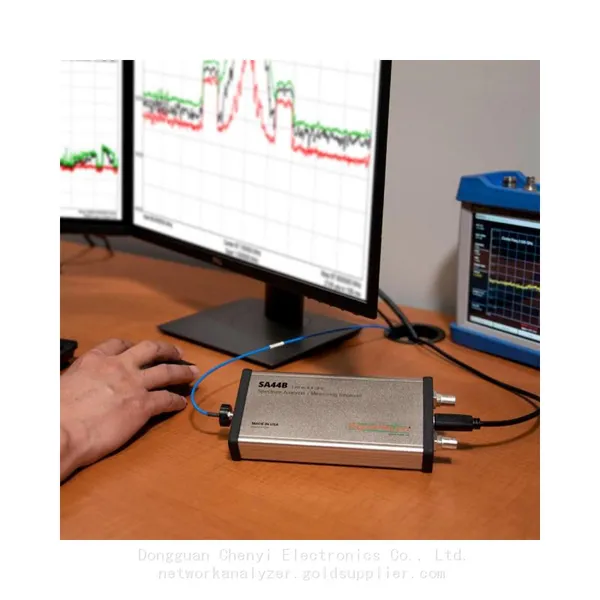
The SA44B is a USB-powered, PC-based real-time analyzer. Avoid excessive CPU load on the host PC to maintain real-time performance.
For transient or pulse signals, use MAX HOLD mode to capture short-duration events.
Disable spur reject when analyzing fast-modulated or transient signals to prevent valid data from being rejectedSignal Hound.
3. Safety & Maintenance
3.1 Safety Guidelines
No Unauthorized Disassembly: Do not open the enclosure or modify the hardware—this voids the warranty and risks electric shock or component damage.
Power Management: Do not hot-plug RF cables while the analyzer is powered. Before shutdown, terminate the RF input with a 50Ω load to prevent ESD buildup.
Overload Protection: Immediately disconnect the input if the analyzer displays overload warnings or abnormal readings.
3.2 Routine Maintenance
Cleaning: Wipe the casing and display with a soft, dry cloth. Avoid alcohol, solvents, or abrasive cleaners.
Storage: When not in use, store in a dry, dust-free environment (temperature: 0–50°C, humidity:<70%). Use the original packaging for transportation to protect against shock and vibration.
Troubleshooting: If the analyzer malfunctions (e.g., no sweep, no signal detection), restart the Spike software, re-seat the USB cable, and verify power settings. Contact Signal Hound technical support for unresolved issuesSignal Hound.
4. Foreign Trade & Export Considerations
Compliance: Ensure the SA44B meets local regulatory standards (e.g., FCC, CE, RoHS) for import/export in the target country.
Documentation: Provide complete user manuals, calibration certificates, and compliance documents for customs clearance.
Packaging: Use anti-static, shock-absorbent packaging for international shipping to prevent damage during transit.
Warranty & Support: Clarify warranty terms, repair services, and technical support availability for international customers.


Recently Posted
-
Vector Signal Generator Explained: Principles, Architecture, and Core Functions
August 31, 20261. When a Simple Signal Source Is Not EnoughAn R&D team developing a new Wi-Fi 6 access point spent a week validating their re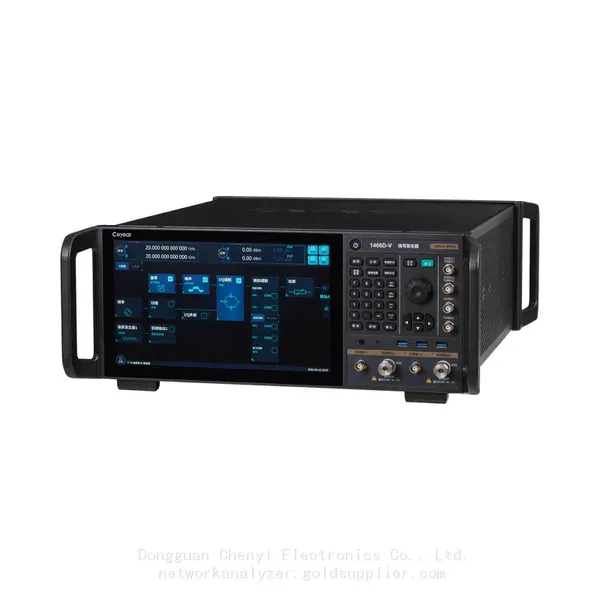 Read More
 -
Software-Defined Instruments: How USB Spectrum Analyzers Are Changing the RF Testing Industry
August 17, 20261. The Benchtop Instrument That Would Not Fit in a Carry-OnAn RF field engineer arrived at a remote cell site in a mountainous reg Read More
 -
Spectrum Monitoring Solutions for Broadcast Radio and Television Transmission Stations
August 17, 20261. When a 50 kW FM Transmitter Goes SilentA regional FM broadcaster serving roughly 2 million listeners lost its main transmitter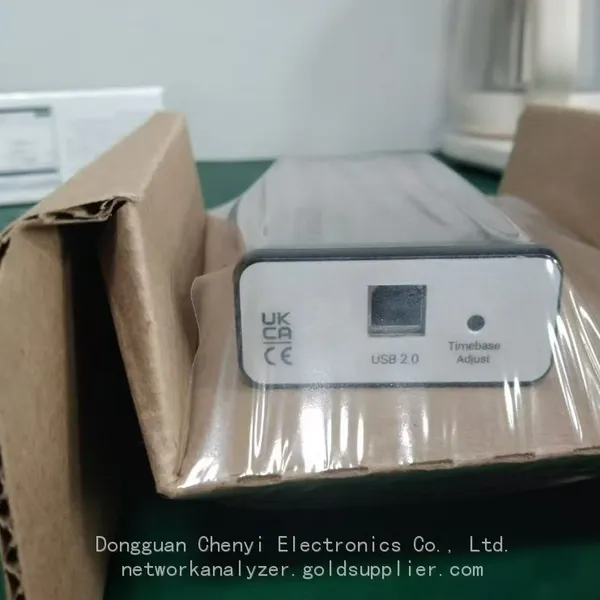 Read More
 -
Understanding Spectrum Analyzer Key Specifications: DANL, Phase Noise, TOI, and RBW
August 14, 20261. The Specification That Cost Two Weeks of DebuggingAn RF design team spent two weeks trying to measure the third harmonic of a 2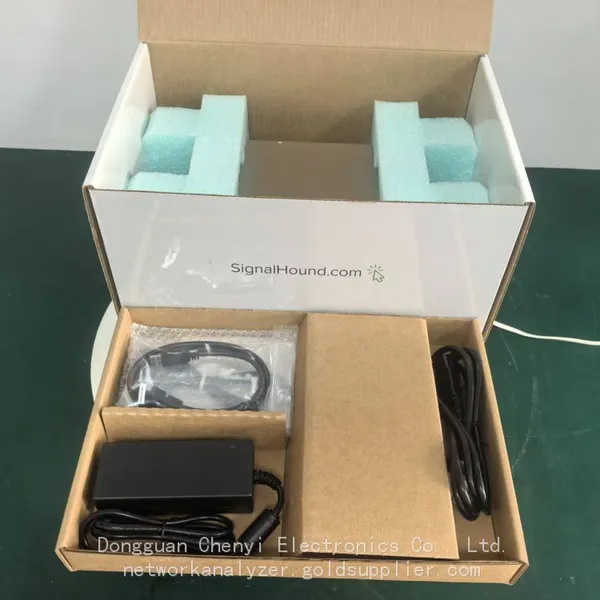 Read More

Contact Us
Recommended Products
-
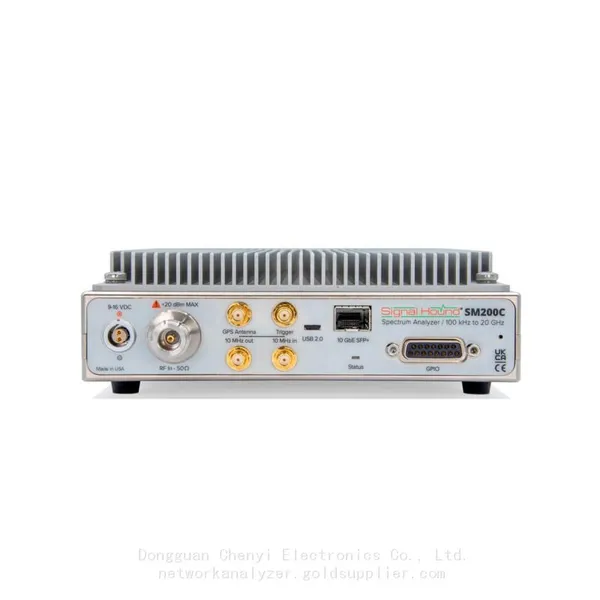
 Signal Hound SM200C 100 KHz to 20 GHz Real-time Spectrum Analyzer With 10GbE Monitoring ReceiversNegotiableMOQ: 1 Unit
 -
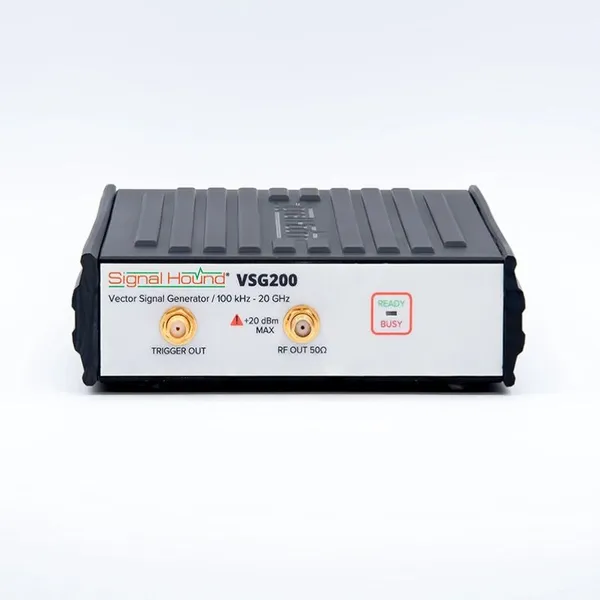
Signal Hound VSG200 Vector Signal Generator 100 KHz to 20 GHzNegotiableMOQ: 1 Unit
-
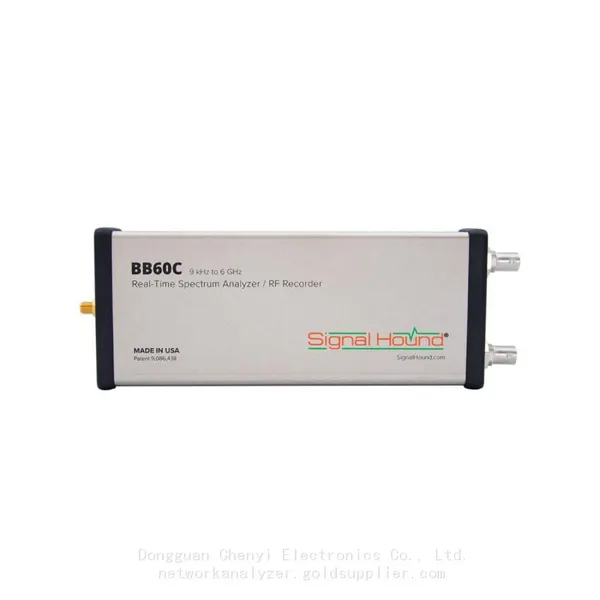
Signal Hound BB60C 9 KHz to 6 GHz Real-time Spectrum AnalyzerNegotiableMOQ: 1 Unit
-
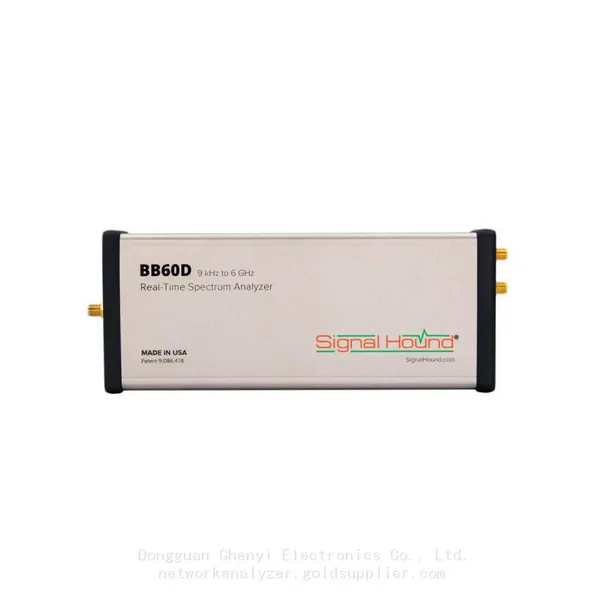
Signal Hound BB60D 9 KHz to 6 GHz Real-time Spectrum AnalyzerNegotiableMOQ: 1 Unit
-
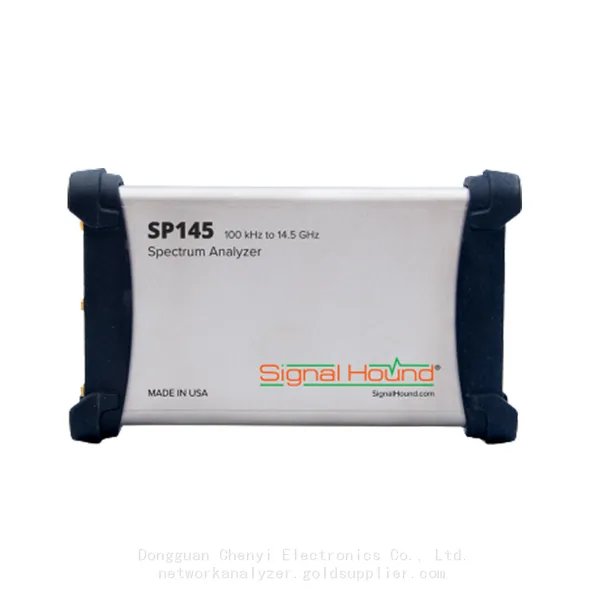
Signal Hound SP145 100 KHz to 14.5 GHz Real-time Spectrum Analyzer Monitoring ReceiversNegotiableMOQ: 1 Unit
-
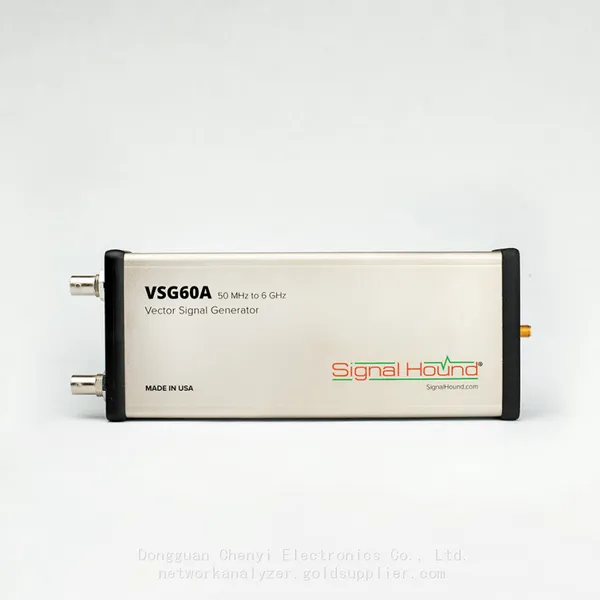
Signal Hound VSG60A 50 MHz to 6 GHz GHz Vector Signal GeneratorNegotiableMOQ: 1 Unit
-
Signal Hound VSG25A 100 MHz to 2.5 GHz Vector Signal GeneratorNegotiableMOQ: 1 Unit
-
Signal Hound VNA400 40 MHz to 40 GHz 2-port Vector Network AnalyzerNegotiableMOQ: 1 Unit
-
Signal Hound PCR4200 100 KHz to 20 GHz Four-Channel Phase Coherent ReceiverNegotiableMOQ: 1 Unit
-
Signal Hound TG124A 100 KHz to 12.4 GHz Tracking GeneratorNegotiableMOQ: 1 Unit
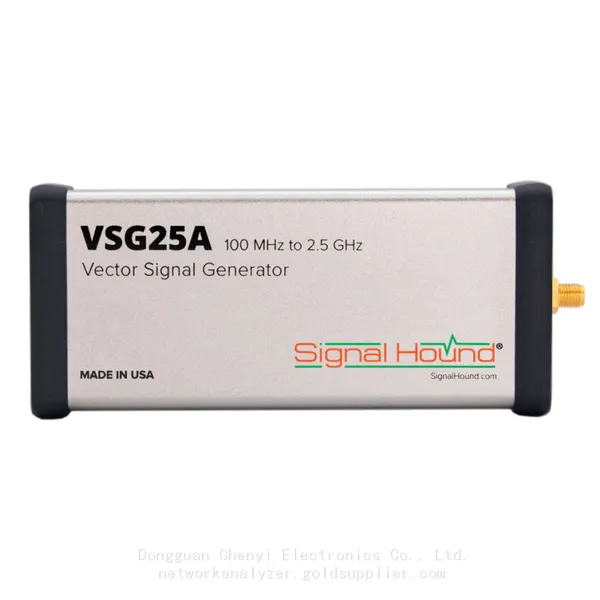
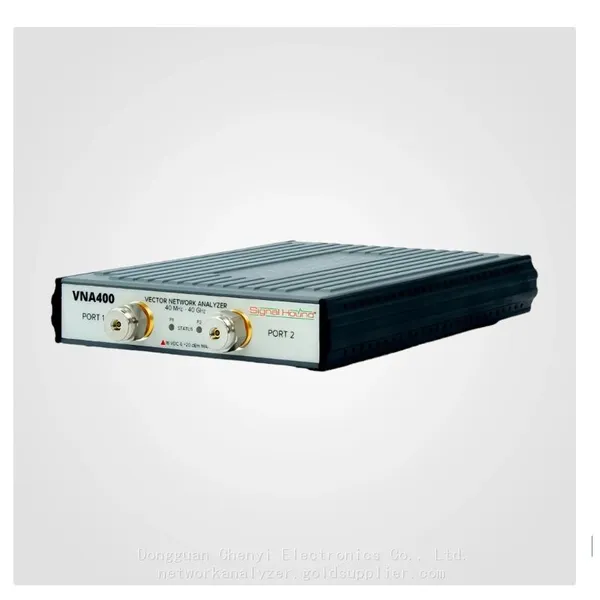
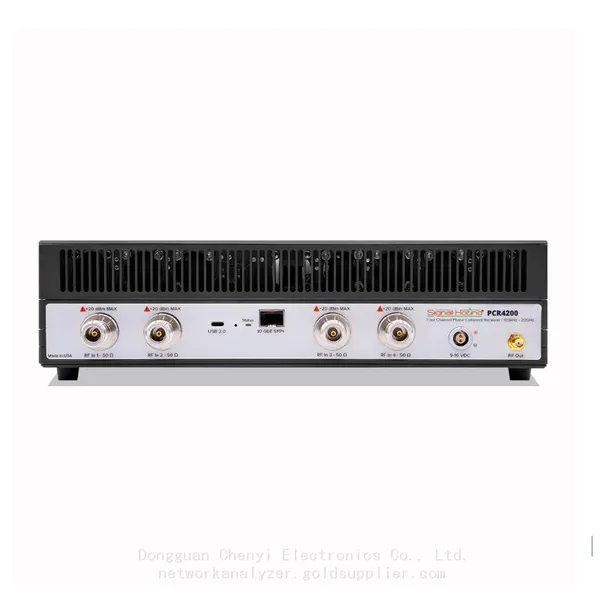
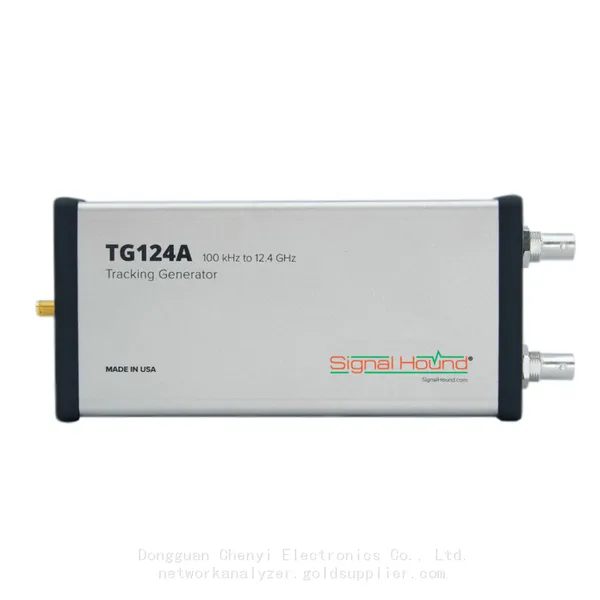
-
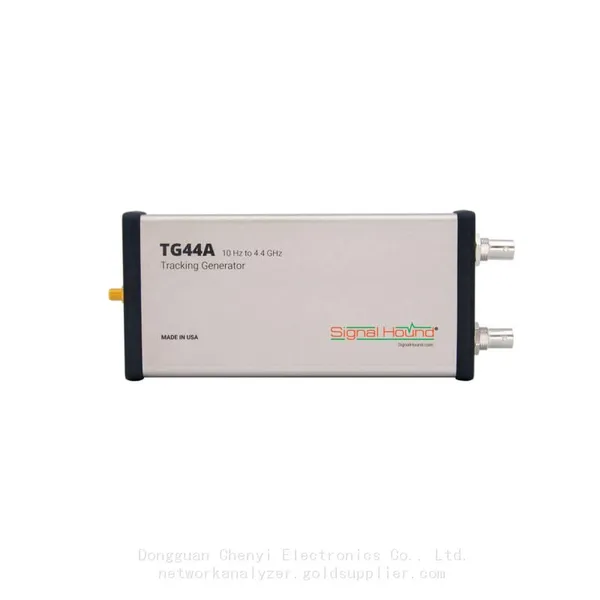
Signal Hound TG44A 10 Hz to 4.4 GHz t Tracking GeneratorNegotiableMOQ: 1 Unit
-
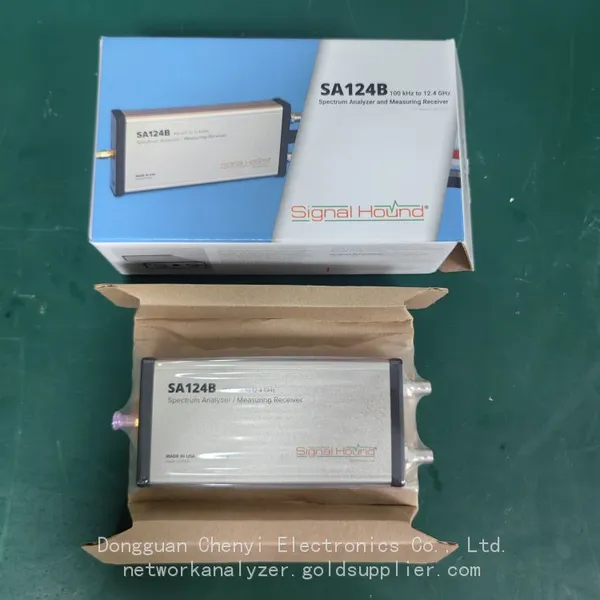
Signal Hound SA124B 100 KHz to 12.4 GHz Spectrum AnalyzerNegotiableMOQ: 1 Unit
-
Signal Hound SA44B 1 Hz to 4.4 GHz Spectrum AnalyzerNegotiableMOQ: 1 Unit
-
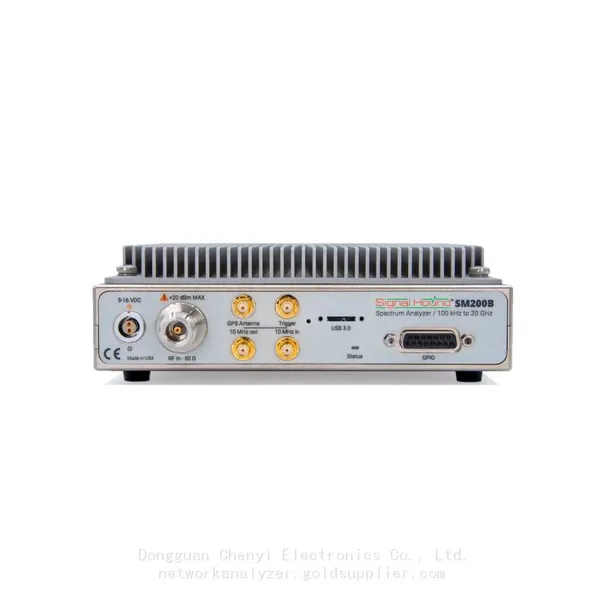
Signal Hound SM200B 100 KHz to 20 GHz Real-time Spectrum Analyzer Monitoring ReceiversNegotiableMOQ: 1 Unit
-
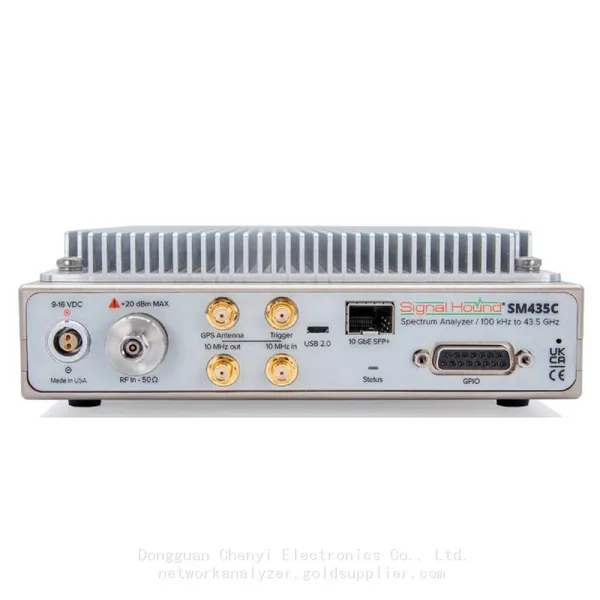
Signal Hound SM435C 100 KHz to 43.5GHz Real-time Spectrum Analyzer With 10GbE Monitoring ReceiversNegotiableMOQ: 1 Unit
-
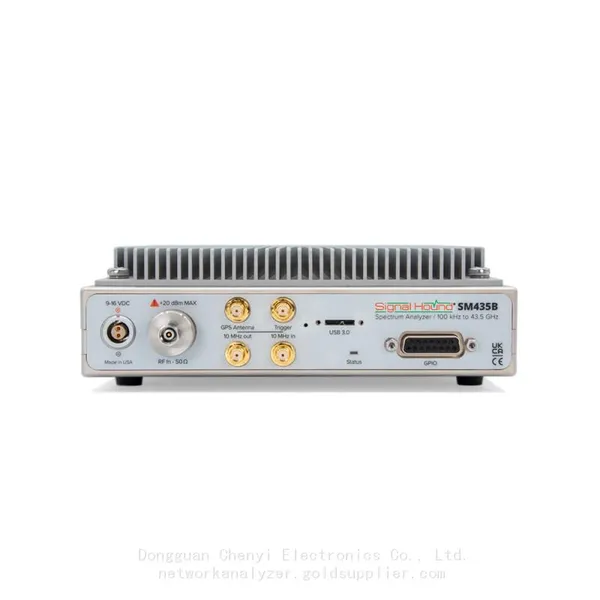
Signal Hound SM435B 100 KHz to 43.5GHz Real-time Spectrum Analyzer Monitoring ReceiversNegotiableMOQ: 1 Unit
-
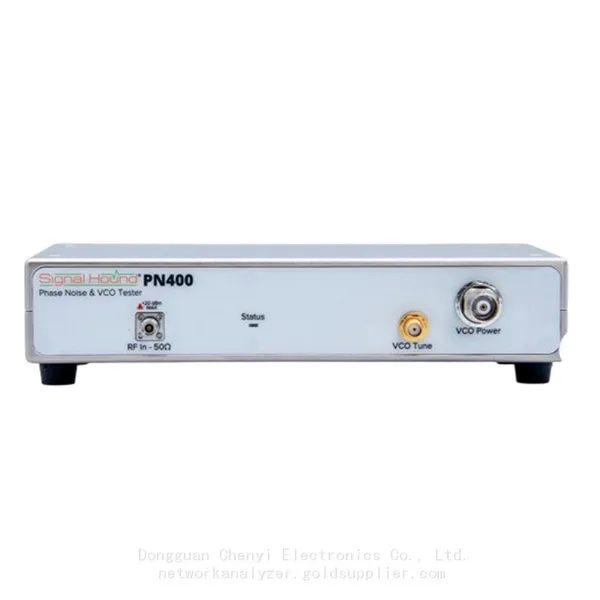
Signal Hound PN400 Phase Noise and VCO Test System 100 KHz to 43.5 GHzNegotiableMOQ: 1 Unit
-
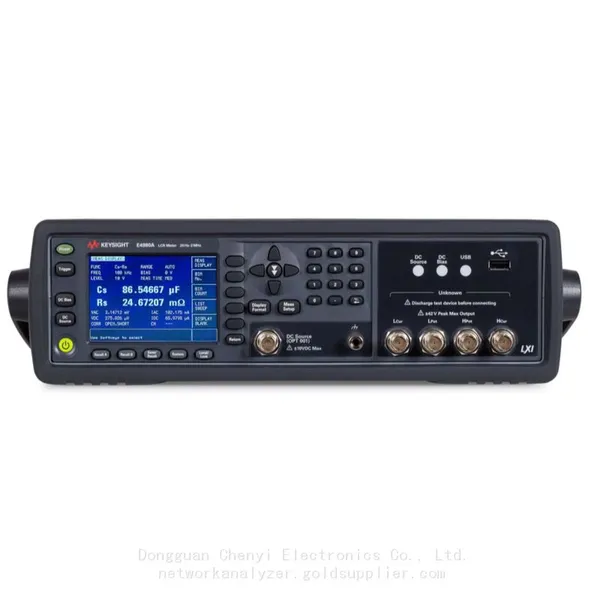
Keysight E4980A Precision LCR Meter 20 Hz to 2 MHzNegotiableMOQ: 1 Unit
-
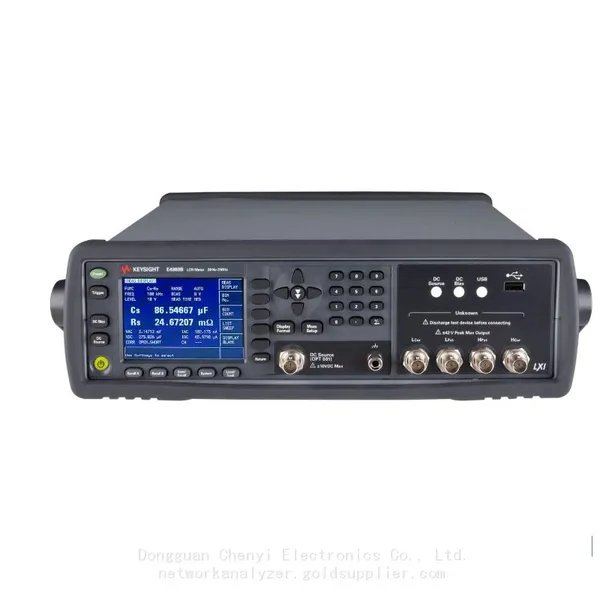
Keysight E4980B and E4980BL Precision LCR Meter 20 Hz to 2 MHzNegotiableMOQ: 1 Unit
-
Keysight U1733C Handheld LCR Meter 100Hz 120Hz 1kHz 10kHz 100kHzNegotiableMOQ: 1 Unit